Record a short sentence with the microphone in its current position. Then listen through headphones. This simple baseline makes it easier to judge whether a change improves clarity or merely makes the recording louder. Use the same sentence and speaking level for each comparison.
Find the part you should speak toward
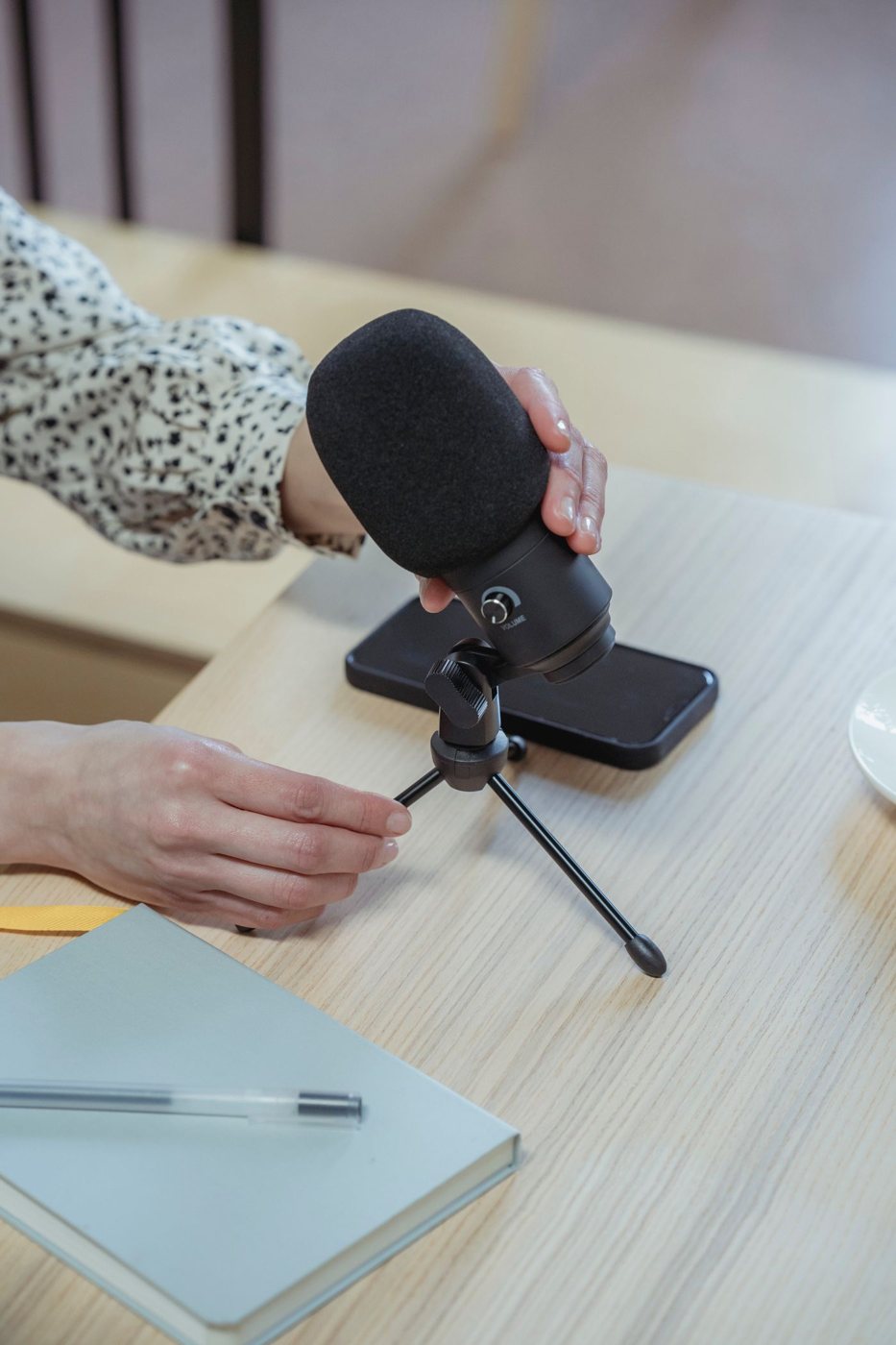
Microphones do not all receive sound from the same direction. Some are addressed at the end and others from the side. Check the manufacturer's diagram so that the visible top or logo does not lead you to speak toward the wrong surface.
Move the microphone nearer within its intended working range and reduce input gain if needed. Shure's guidance explains that the relationship between direct speech and room reflections depends strongly on microphone distance. Turning up gain from across the desk also raises the room sound the microphone already receives.
Avoid placing the capsule directly in the strongest stream of breath. A slight offset or an appropriate windscreen or pop filter can help, depending on the microphone. Check speech with words containing strong consonants and listen for bursts rather than guessing from the appearance of the setup.
Keep the position usable
The microphone should not obstruct the screen or force you to lean away from the keyboard. A boom arm can improve placement, but its clamp, load range, and cable route must suit the desk. A small stand may be sufficient if it keeps the microphone away from typing vibrations.
Test the loudest and quietest voice you use naturally. Watch the input meter for overload, and listen for distortion. Automatic gain and noise processing in the meeting application can change the result, so test inside that application as well as in a basic recorder.
Check which microphone is selected after reconnecting devices. A carefully positioned external microphone provides no benefit if the application has switched to the laptop's built-in input. Name the device in your setup notes if several similar choices appear.
Room noise remains part of the recording. Move avoidable sources, close a noisy door where practical, and avoid aiming the microphone toward a fan or keyboard when its pattern allows a better orientation.
Replace equipment only after these checks identify a limitation the current microphone cannot address. A more expensive model placed far away or facing the wrong direction can preserve the same problem. A repeatable, comfortable position often matters more than the specification that first attracted attention.