A left-handed setup involves more than moving the mouse to the other side of the keyboard. Shape, button placement, software mapping, and available desk space all affect whether the arrangement works. Begin with the tasks you find awkward in the current setup and change one element at a time.
Inspect the physical design
A symmetrical shell may fit either hand, but side buttons can still be arranged for only one. Check whether those controls are reachable with the left thumb or whether they get pressed unintentionally by other fingers. A specifically left-handed design may solve that problem, provided its size and shape also suit you.
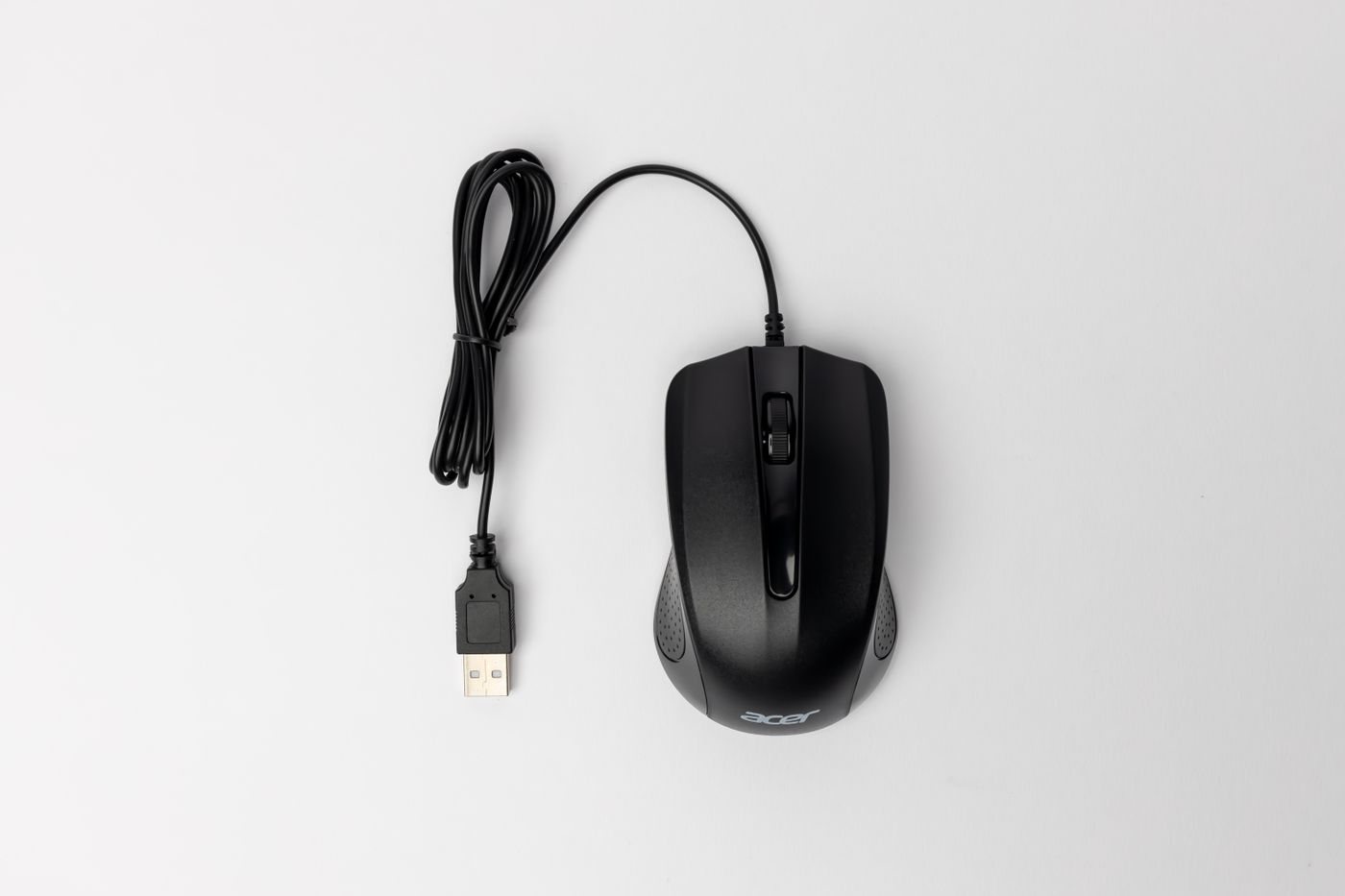
Try clicking, dragging, and scrolling rather than simply holding the mouse. Notice whether the cable exits in a useful direction and whether the shape makes you grip harder to lift it. Wireless models remove cable routing from that comparison but introduce their own power and connection requirements.
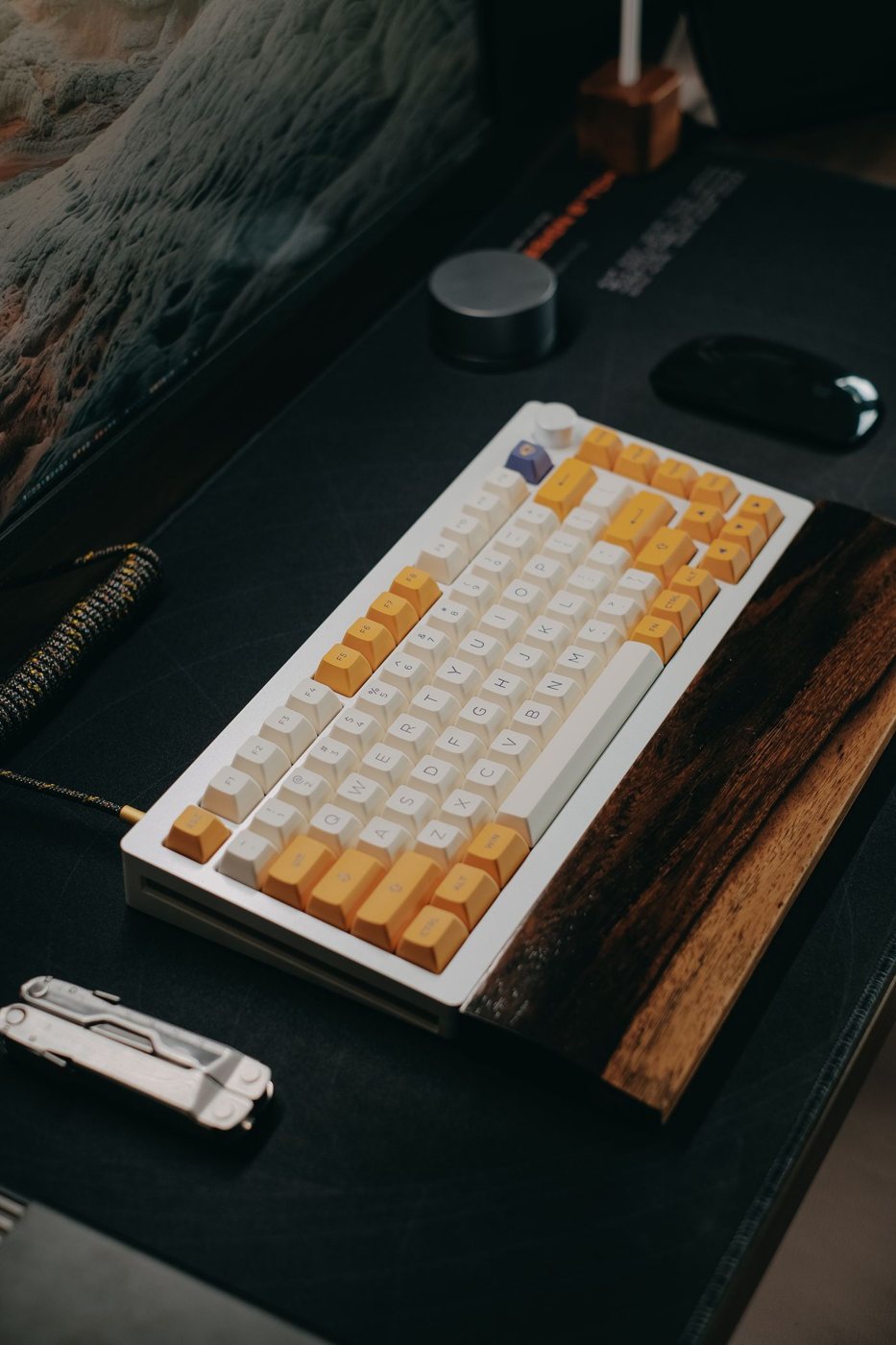
Place the keyboard so the typing area remains useful while leaving room on the left. A separate number pad can be moved according to the task, while a fixed full-size keyboard may occupy space you would rather use for pointing.
Decide how buttons should behave
Operating systems commonly allow the primary and secondary mouse actions to be exchanged. Choose the mapping that suits your learned movement; left-handed use does not require every person to prefer the same arrangement. Check application-specific tools after changing it.
Extra buttons may require the manufacturer's utility for remapping. Verify that the utility supports your operating system and is permitted on a work computer. If you use several computers, determine whether the mapping is saved on the device or separately on each host.
On a shared computer, document the change and provide a straightforward way for the next user to restore their preference. Separate user accounts may help preserve settings, but test the actual device behavior rather than assuming all assignments follow the account.
Keep the trial reversible. Move the pointing device, adjust the mapping, and work with a familiar document for several sessions before buying other furniture or accessories around the new position. If a task becomes slower at first, distinguish the learning period from a reach or fit problem.
The aim is a layout in which the controls you use are accessible and predictable. A product labeled ambidextrous or ergonomic is only a candidate; the decisive evidence is how it handles your ordinary work with your chosen hand.