Echo is often heard by someone other than the person whose setup is returning the sound. Start by describing what happens: which voice is repeated, whether the repeat has a delay, and whether it begins when a particular participant joins or unmutes. That gives the group a way to isolate the path.
Look for a second connection
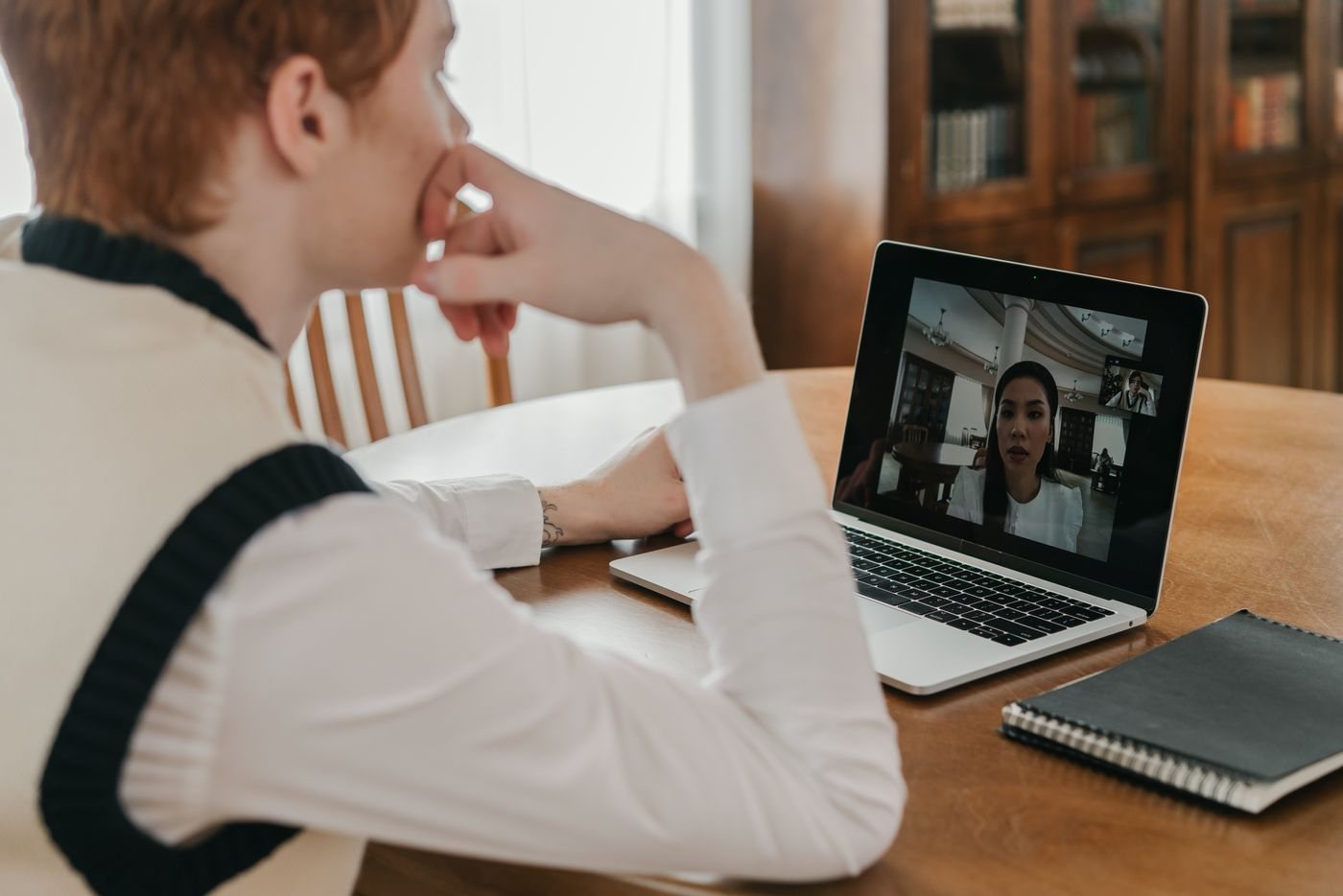
A person may join with both a computer and a phone, or several people may join on laptops in the same room. Check these cases first. Zoom identifies nearby active audio connections and simultaneous telephone and computer audio as common echo sources.
If one room uses several devices, choose one audio connection for the room and disconnect meeting audio on the others as appropriate. Merely muting their microphones may leave their speakers playing, so it does not always remove the duplicate path.
Keep cameras or shared content active on the additional devices if needed, but confirm that their audio is actually disconnected. Explain the change before making it so a participant does not unintentionally reconnect the second audio path a minute later.
Isolate one participant at a time
If the source remains unclear, use a short, coordinated test. Participants can mute in turn, or the host can help isolate the connection. Avoid everyone changing equipment simultaneously, since that makes it difficult to know which action helped.
For the suspected setup, check the selected microphone and speaker in the meeting application. A laptop may be using an external speaker with a built-in microphone even though a headset is connected. Select the intended pair and repeat a brief speaking test.
Try an appropriate headset to reduce the amount of speaker audio returning to the microphone. Lower an unnecessarily loud speaker level and check whether specialized audio modes have disabled processing normally used for conversation. Change those modes only with an understanding of the meeting's needs, especially if music or another non-speech source is involved.
Distinguish echo from room reverberation. A hollow local recording can result from a distant microphone in a reflective room, while a repeated remote voice points toward an audio return path. These symptoms may need different adjustments.
Once the issue is resolved, record the working input, output, and device arrangement. If it recurs, that reference is more useful than another round of random settings changes. Replacing a microphone should come after the routing checks show that the equipment itself is the unresolved limitation.