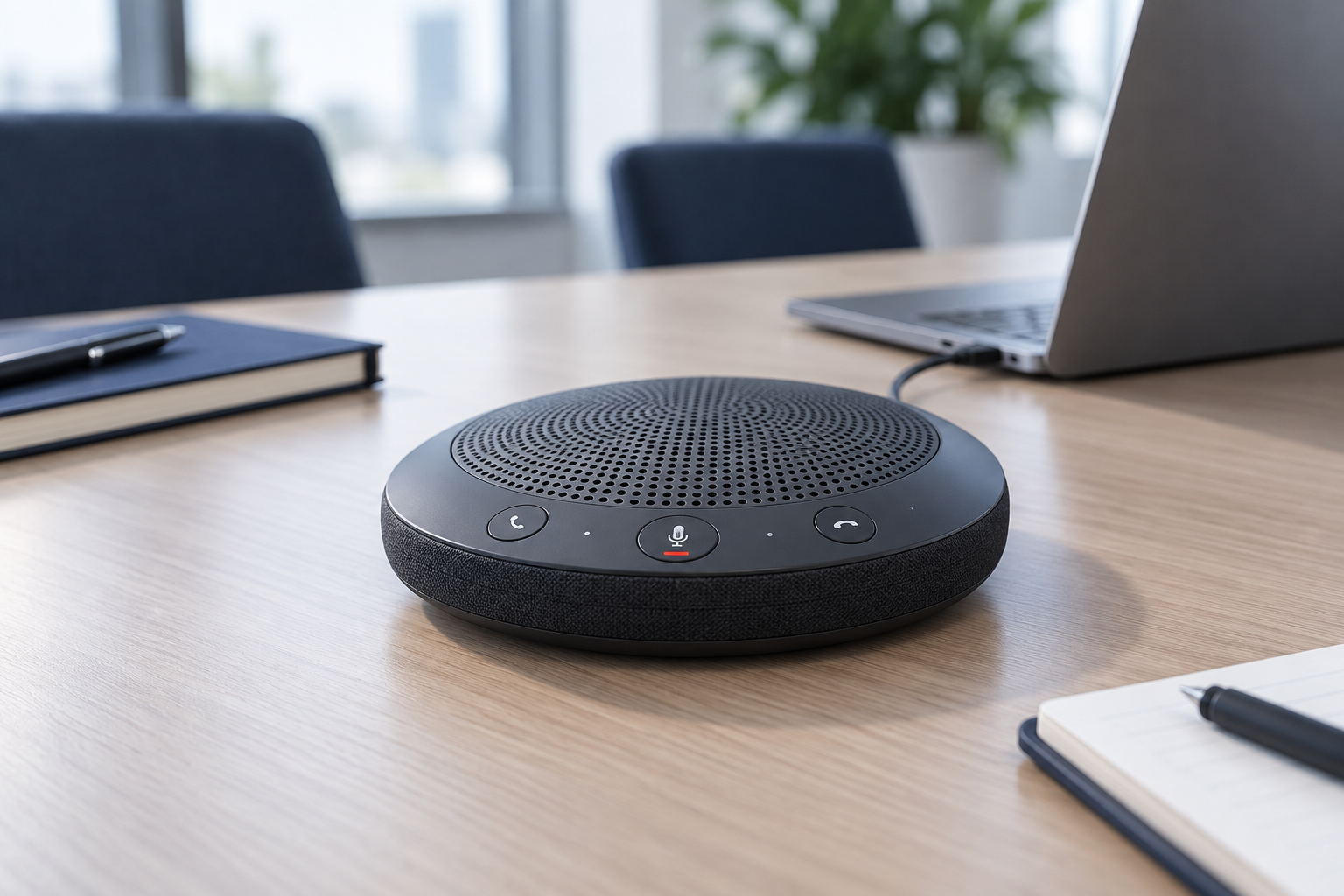
A desktop speakerphone can make sense when several people at one table need to join the same call, or when you prefer occasional hands-free listening in a private room. It is less suitable when nearby people should not hear the conversation or when their voices would enter the microphone.
Plan for the actual room
Count the people and note where they sit. Check the manufacturer's intended pickup arrangement rather than assuming a small device can cover any table. Participants at very different distances may not be heard equally well, especially in a reflective or noisy room.
Place the speakerphone where people can speak naturally without leaning toward it. Keep it away from papers that rustle, a keyboard used continuously, and equipment fans where possible. Avoid putting it inside a shelf recess or behind a display merely to make the desk look tidy.
Test the far end of the call. Local speaker volume tells you little about how clearly remote participants hear the room. Ask a colleague or use an approved recording test to assess speech from each seat.
Use one audio path
When several computers join from the same room, choose which one supplies room audio. Zoom's echo guidance identifies multiple nearby active audio connections as a common cause of echo. On additional devices, disconnect meeting audio as appropriate rather than assuming microphone mute also disables their speakers.
Check that the speakerphone is selected for both input and output. A meeting application can retain a previous microphone or speaker after devices are changed. Mixing a room speaker with another microphone may behave differently from the intended integrated system.
Verify the supported connection and controls. USB, Bluetooth, and a dedicated receiver may offer different functionality. If call answering or mute synchronization matters, check the specific meeting application and operating system rather than relying on a general compatibility claim.
For a battery-powered model, include charging and storage in the routine. For a fixed model, route the cable so the device can sit in a useful position without tension.
Keep a headset available for private or noisy situations. A speakerphone is a room arrangement as much as an accessory; it works when distance, privacy, and audio routing are suitable. If most calls involve one person in a shared space, a headset may solve the problem more directly and with fewer effects on everyone nearby.