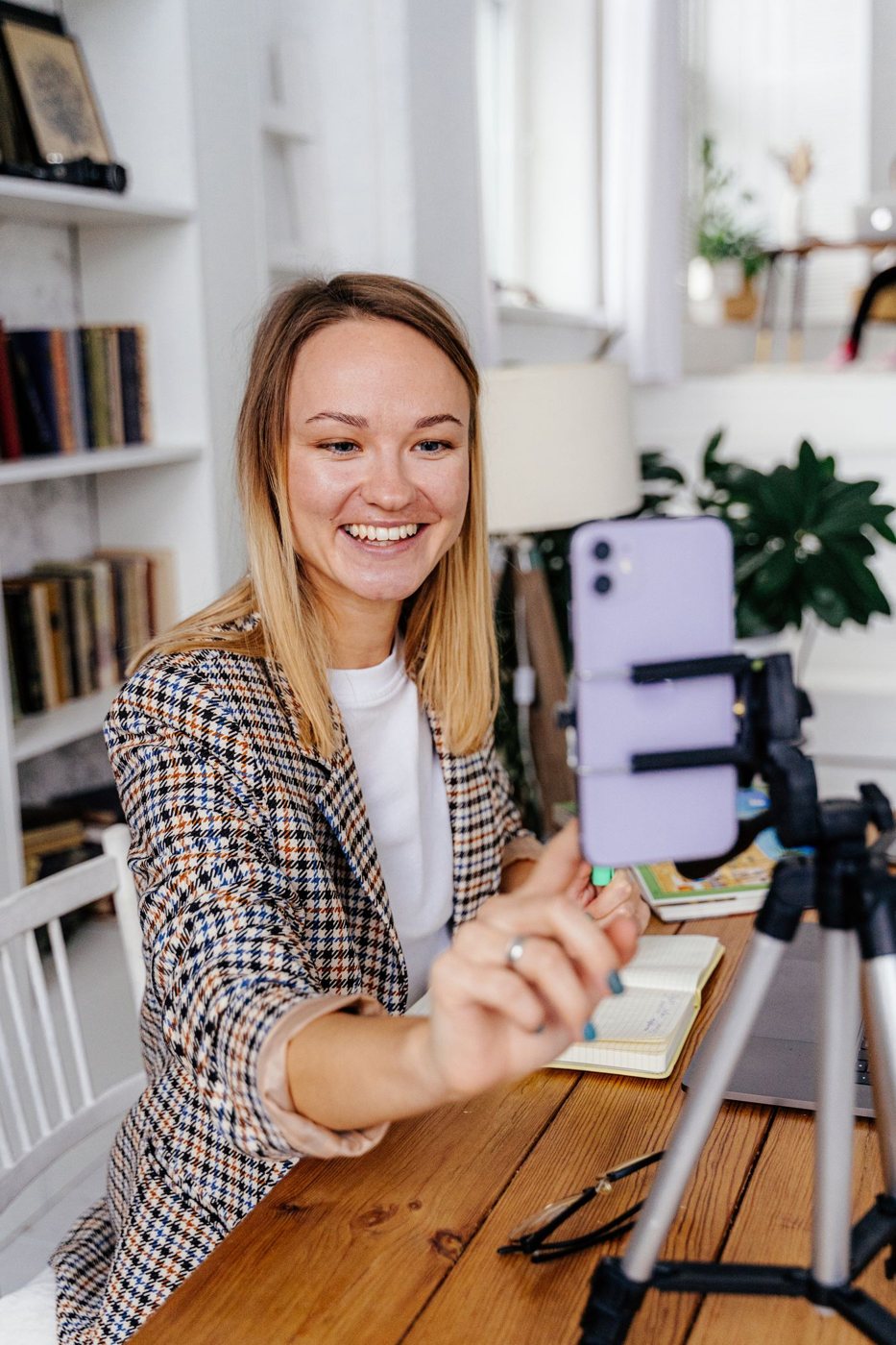
Start with the lights already in the room. Turn on the camera preview and compare the view with the window in front of you, beside you, and behind you where the room allows. A small seating change can improve the image before you buy a dedicated video light.
A bright background can compete with your face for the camera's exposure. If the window must remain behind you, try reducing its brightness with a blind or curtain and adding appropriate light toward your face. Avoid placing a bare bright lamp where you must look directly at it throughout a call.
Look for even, comfortable illumination
A broad, softened light source can produce gentler shadows than a small harsh one. Use a lamp designed for the purpose and follow its placement and heat-clearance instructions. Do not improvise a diffuser from fabric or paper over a hot fixture.
Check reflections in glasses and on the monitor. Moving the light slightly higher or to one side may help, but verify the result in the preview while sitting naturally. A position that looks good only when you hold your head still is not a workable meeting arrangement.
Try the lighting at the time of day you usually call. Daylight can change quickly, while a room lamp may provide more consistent conditions after sunset. If you mix several sources, inspect whether one side of your face looks noticeably different in color.
Let the camera show the result
Automatic exposure and white balance can respond to changes in the scene. Move normally and see whether brightness shifts distractingly. If your camera offers manual controls, adjust them carefully and remember that a fixed setting may need revision when the room changes.
Do not use the display as the only planned light source for an important call. Its brightness can change as you switch from a dark window to a white document. A separate, steady source can make the image more consistent without requiring the monitor to be uncomfortably bright.
Check how the setup affects the desk too. A light that improves the camera picture but creates screen glare or blocks a reference document needs repositioning. Secure its cable and mount so that ordinary typing or display adjustment does not disturb it.
Finish with a test in the meeting application and review a short recording if available. Choose enough light to make expression clear, while keeping the room comfortable for the conversation itself. A visible, consistent face is the objective; a complex studio arrangement is optional.