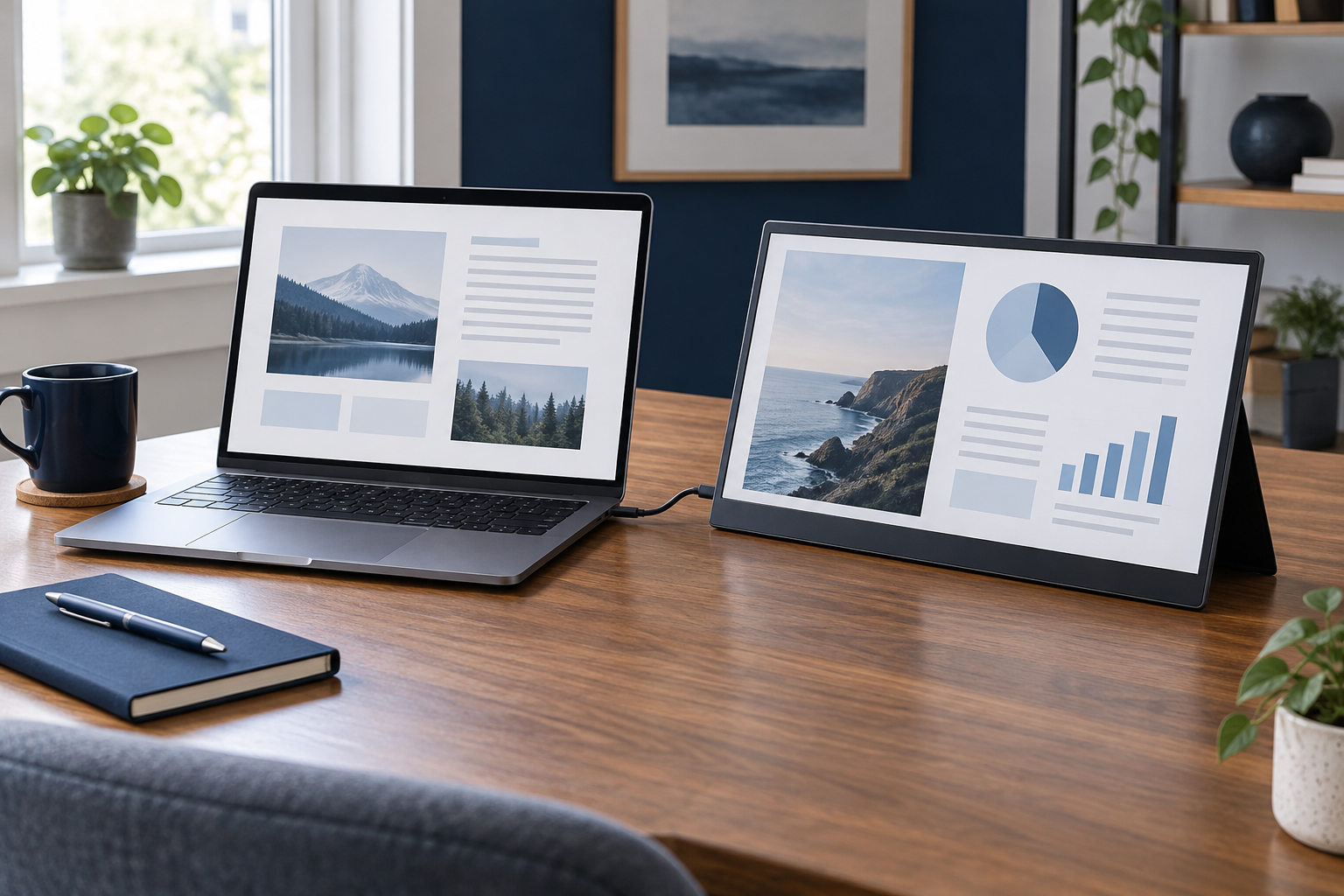
A portable monitor earns its place when a second view saves repeated switching between documents. It might hold a reference PDF while you write, or keep meeting participants visible beside a shared application. If the main problem is simply small text, a different laptop or a larger stationary display may be the more direct solution.
Rehearse the space it needs
Use a piece of cardboard with the proposed screen's dimensions and place it beside your laptop. Include the stand's rearward depth and room for a mouse. A monitor that fits easily into a bag can still overwhelm a hotel desk or a small shared table.
Check the usable adjustment range. Some folding covers offer only a few angles, while other stands provide more flexibility. The display should remain stable when you type or connect a cable. A thin panel is not automatically a sturdy panel, so consider how it will be protected in the bag.
Decide whether portrait orientation is part of the intended use. The screen may technically rotate in software while its supplied stand cannot support that position. Verify both the physical support and the cable arrangement before counting on a tall document view.
Understand power and video separately
A single USB-C cable is convenient only when the laptop port, monitor, and cable support the required video and power arrangement. If an HDMI input carries the picture, the display may still require a separate power connection. Read the connection diagram for your exact computer and screen.
When the laptop supplies power, include the monitor in your battery expectations. When an external charger supplies power, include that charger and its cables in the packing comparison. Pass-through charging, if provided, has its own limits and does not automatically reproduce the laptop's original charging performance.
Also consider brightness in the places you use. A screen comfortable indoors may be difficult to read beside bright windows. Look for controls you can operate without installing unsupported software on a managed computer.
Try a real session during the return period: arrange two documents, join a meeting, pack the equipment, and set it up again. Measure the inconvenience you remove against the new items you carry. If the second screen is only useful at one regular destination, leaving a conventional monitor there may be a simpler answer than transporting a portable one every day.


