An attachment separated from its message can become surprisingly ambiguous. A spreadsheet called estimate.xlsx may be the first proposal, a corrected quote, or a file sent only as an example. Saving it is only part of preserving the information; the surrounding message may explain its status and limitations.
When an attachment becomes working material, save it into the relevant project area rather than leaving the only copy in Downloads. Use a name that identifies its subject and, where helpful, the sender or issue date. Keep the original file unchanged if you need to distinguish received material from your own revisions.
Preserve the message's meaning
Record a reference to the email alongside the file. Depending on your tools, that might be a message link, an exported message, or a short note containing sender, subject, and date. Choose a method that the people using the project can actually access. A link to your private mailbox is not a shared project record.
Capture material instructions from the message, such as use the second worksheet or figures are provisional. Avoid relying on your memory of the conversation when the file could be reopened months later. If the message contains confidential details unrelated to the work, do not copy the entire thread into a broadly shared folder unnecessarily.
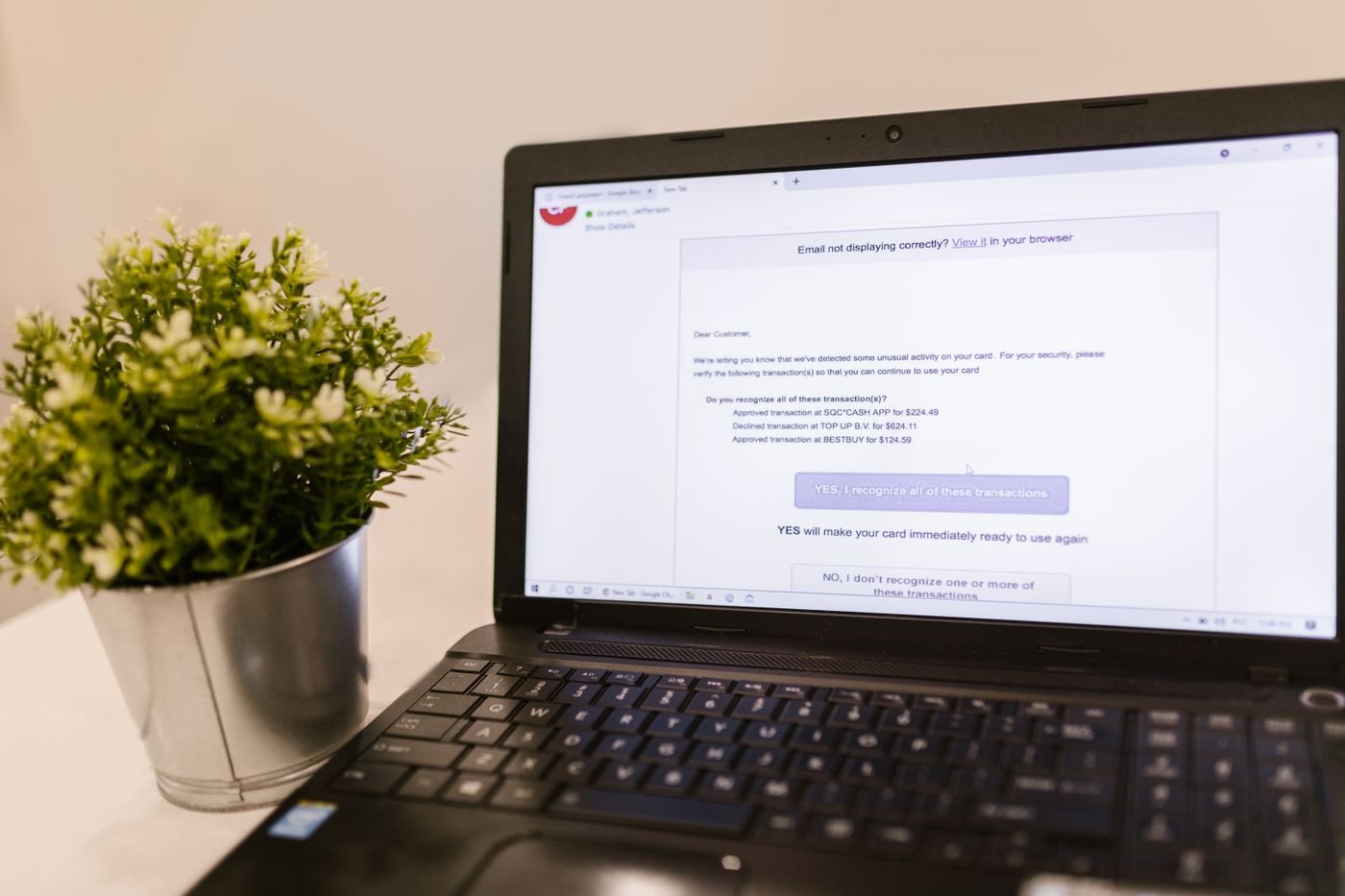
Check the attachment before using it. Confirm that it opens in the expected application and contains the expected subject matter. Be cautious with unexpected files or requests to enable active content. Contact the sender through a known channel if the message or attachment is inconsistent with what you were expecting.
Distinguish received files from current work
If several people are editing a document, agree whether the attachment is a review snapshot or the new working copy. Sending an attachment does not automatically transfer ownership of the authoritative version. Shared-document links can reduce duplicate copies, but they also require the recipient to have suitable permissions.
When a revised attachment arrives, compare its stated changes and status before replacing the previous file. Preserve prior material when it records an earlier decision or commitment. Move obsolete working copies out of the active view so they are less likely to be reused accidentally.
Before a project handoff, test that another person can find both the attachment and its essential context. The aim is for them to understand what the file represents without asking you to reconstruct the email exchange. That is a more useful standard than simply having every attachment saved somewhere.