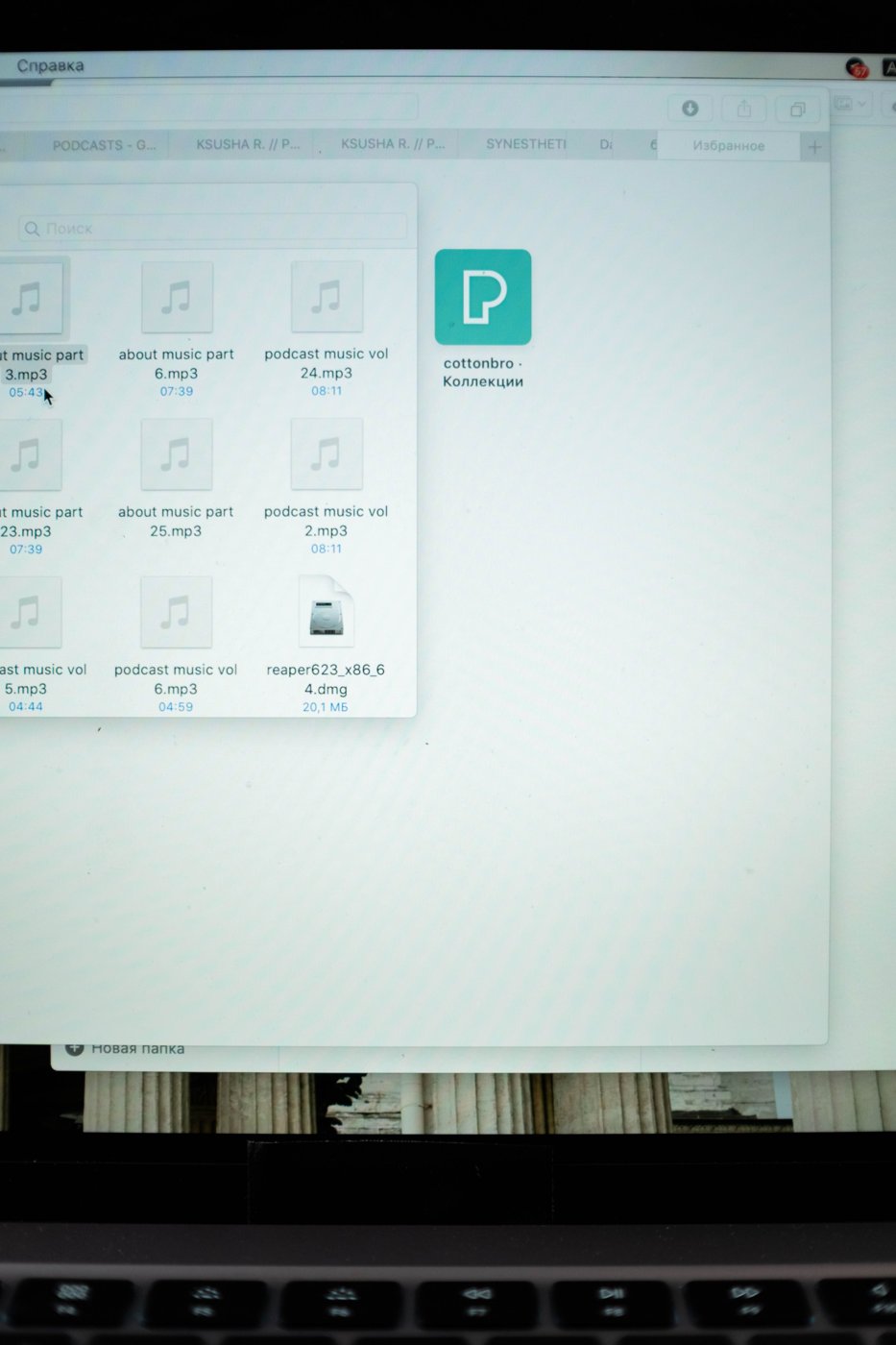
An open browser tab can represent an unfinished task, a source you want to read, a document you are editing, or something you are afraid of losing. Treating all of these as one problem leads to an endless cycle of closing tabs and reopening them. First identify what the tab is doing for you.
For each cluster, name the task it supports. Researching a replacement printer is a task; twelve product tabs are temporary material for that task. Record the useful comparisons in one note, including links to the strongest candidates. Once the important information is captured, many of the tabs can close without losing the reasoning.
Keep active work distinct from reminders
Leave open the pages you need for the current session. Put later actions in your task system with a link and a sentence describing the next step. A tab titled by a website is a weak reminder because it does not explain what you intended to do there.
Save reference pages as bookmarks or project notes when you expect to return to them. If a page is merely interesting, decide whether you genuinely plan to read it. A growing read-later collection needs review just as much as open tabs do. Moving everything to a hidden list can reduce visual clutter without reducing the backlog.
Before closing a page, check for unsaved forms, drafts, uploads, or work that exists only in the current session. Confirm that the application has actually saved important changes. A browser's ability to reopen a tab does not guarantee that it can restore every temporary state inside it.
Use groups only where they help
If your browser supports tab groups or separate workspaces, group by an active task rather than by broad categories that never end. A group named invoice review has a clearer completion point than work. Keep the number of active groups small enough that you can still explain why each exists.
Separate personal and organizational browsing where your account and workplace rules require it. The goal is to reduce confusion over which identity can access a document, not to create more containers to maintain. Verify the account before sharing or editing material.
At the end of a session, leave a brief restart note: what you found, what remains uncertain, and the next page or action needed. This lets you close a research trail without depending on its exact visual arrangement. The next session can begin with a decision instead of reconstructing why every tab was left open.