Extra buttons are useful when they replace an action you repeat often. They are less useful when they add complexity without a clear task. Start with two or three recurring actions, such as moving back through a browser, changing tools, or opening a commonly used command.
Match the control to the action
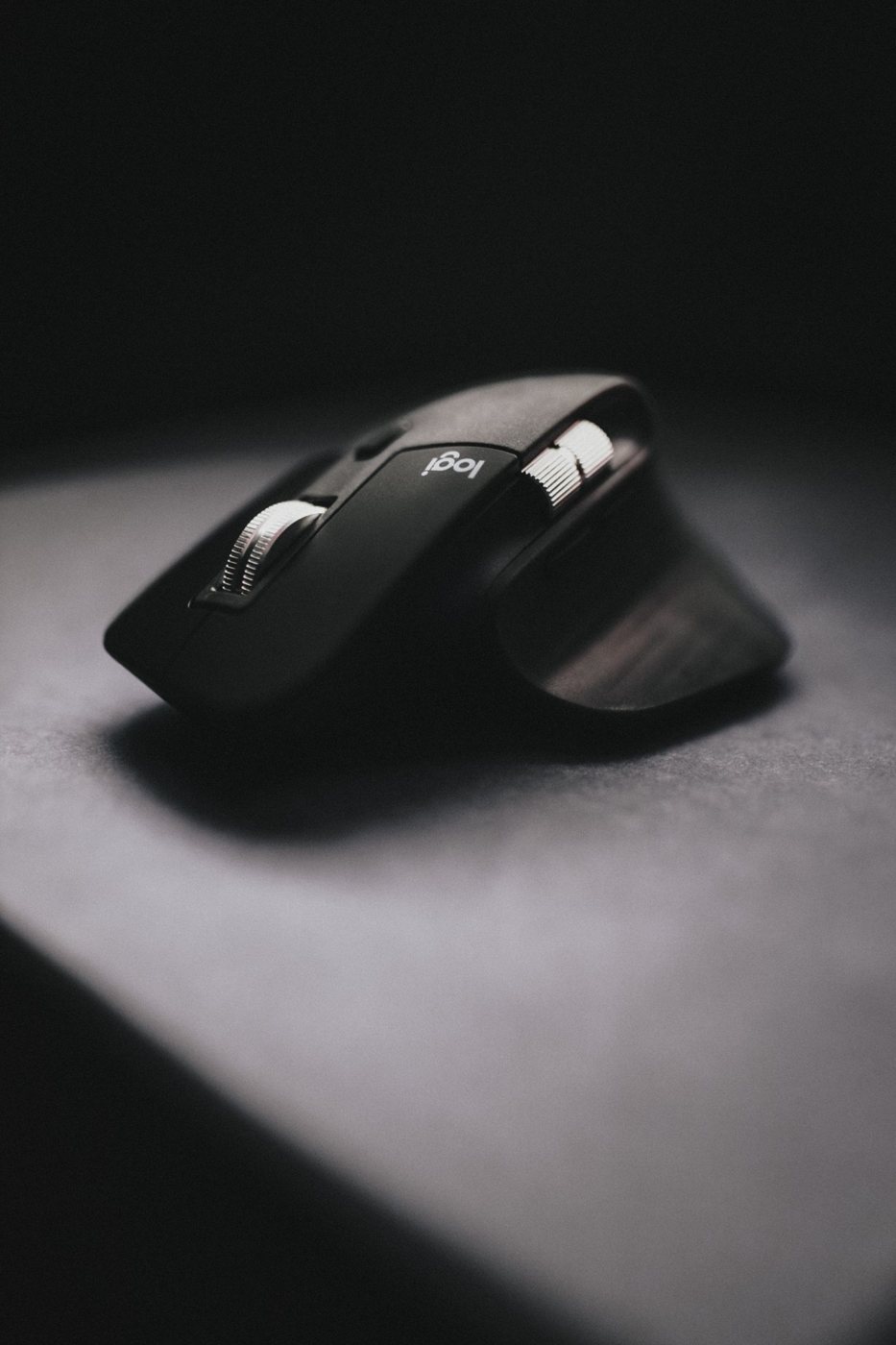
A thumb button can suit a short, frequent command. A wheel mode may help move through long documents. A dense cluster of small buttons may suit a specialized application but be difficult to identify by touch during ordinary work. Try the physical reach before considering the software features.
Avoid assigning destructive or difficult-to-reverse actions to a button you might press accidentally. A convenient shortcut should reduce effort without making routine handling risky. Begin with actions whose result is visible and easy to correct.
Check whether the required customization software supports your operating system and can be installed on the computer. Managed devices may restrict it. Basic clicks can work while application-specific profiles, gestures, or advanced assignments remain unavailable.
Find out where settings live
Some devices can retain certain assignments internally; others rely on software running on the host. The details vary by model and feature. If you move between computers, verify which settings travel with the mouse and which need to be configured again.
Application profiles can be helpful, but they also mean the same button may perform different actions in different windows. Test how reliably the profile changes and whether you can recognize the active behavior. Keep the most frequent functions consistent where possible.
For browser navigation, consider whether Back or Forward might interrupt a form or leave unsaved work. For a meeting application, test a mute assignment in the actual software rather than assuming a generic key command will always control the microphone.
Introduce one assignment at a time and use it for several sessions. If you never remember a shortcut, it may not deserve a dedicated control. If you repeatedly trigger it while gripping the mouse, disable or change it.
When comparing products, prioritize accessible placement and dependable software over the total button count. A modest mouse with two well-used controls can be more effective than a large cluster that requires looking down. The measure of success is fewer interruptions in your work, not the number of commands you can theoretically store.