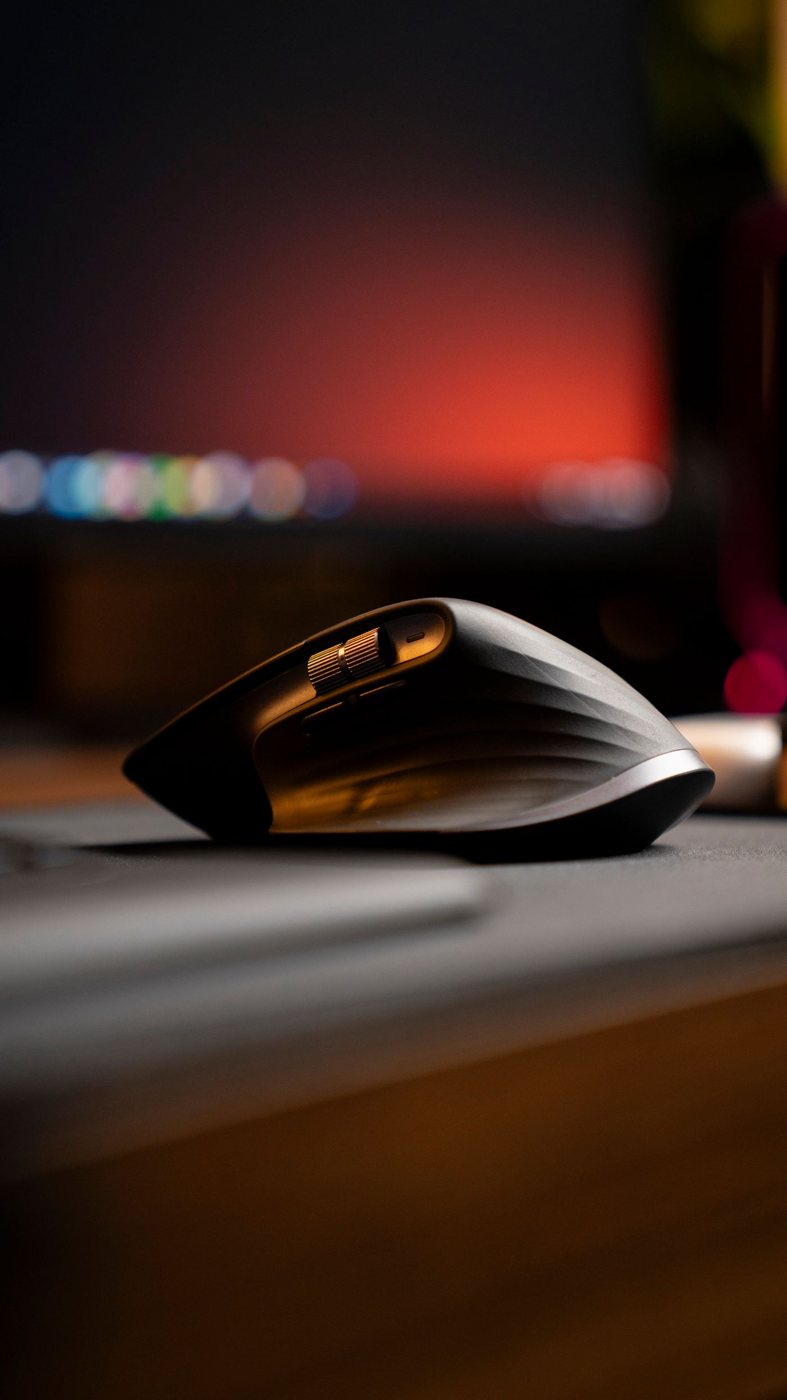
Place your hand on the mouse without deliberately arranging your fingers. Notice where the palm rests, whether the buttons sit beneath your fingertips, and whether you squeeze the sides to keep control. This starting position is more informative than a product category labeled for a particular grip.
Try the movements you repeat
Open a document and scroll, select a line of text, drag a window, and click a small control. If you use design software or spreadsheets, add their common actions. A mouse that feels comfortable while still may be awkward during repeated dragging or wheel use.
Check whether side buttons can be reached without shifting the entire hand. A feature that requires a stretch may not be useful even if the software assignment is attractive. Also consider whether you accidentally press those buttons while lifting or repositioning the mouse.
Adjust pointer speed before judging the shape. An unsuitable speed setting can make you move farther than necessary or struggle with small targets. Change one setting at a time, then repeat a familiar task so that the comparison is meaningful.
Include the keyboard and desk
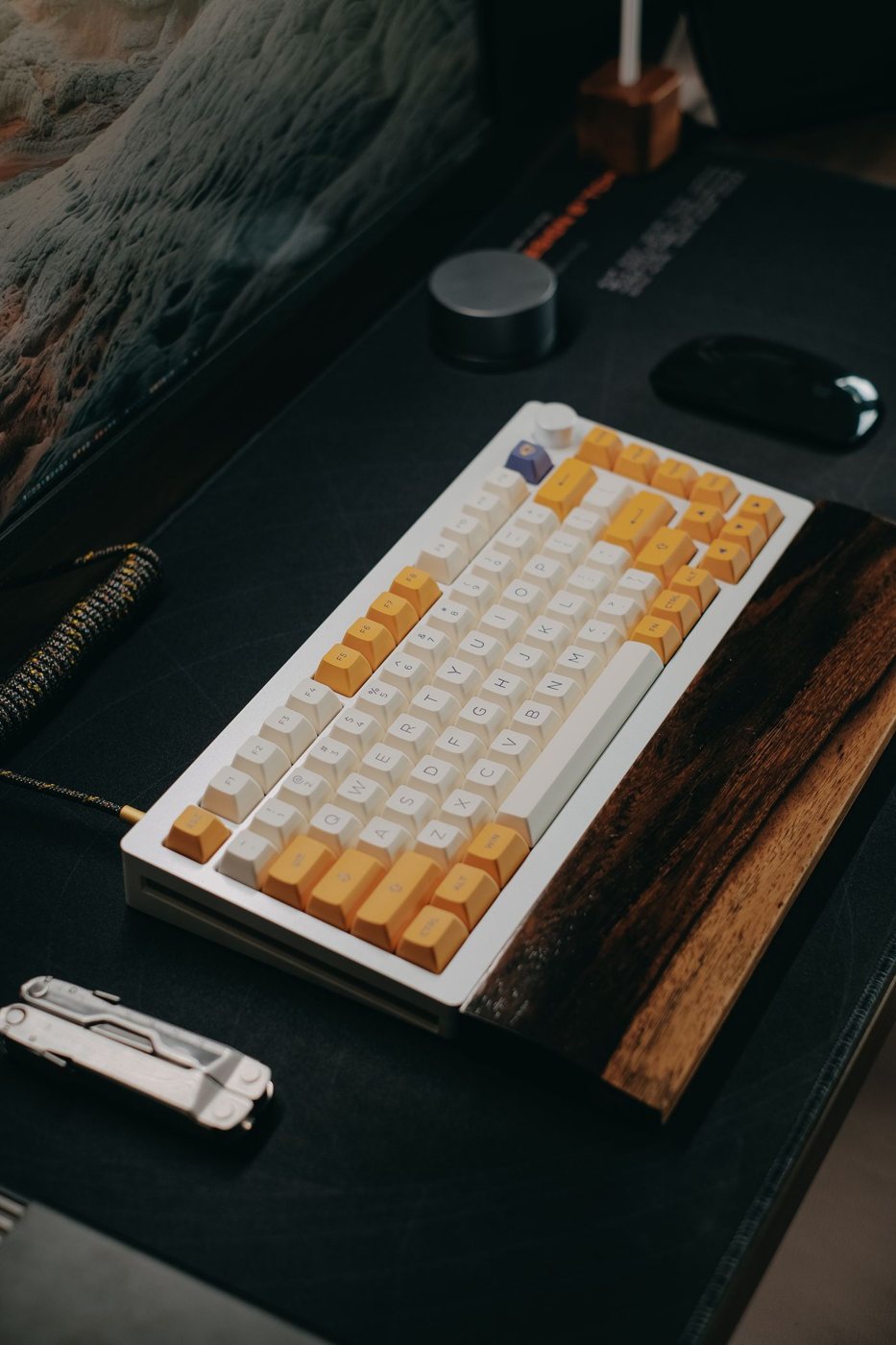
Mouse fit depends partly on where it sits. A wide keyboard can place the pointing area farther from your natural working position. Clear enough surface beside the typing area and check whether the cable or a desk edge restricts movement.
Weight is a preference to test, not a universal ranking. A lighter device may be easier to reposition, while another person may prefer a different feeling of control. The surface and feet influence that impression, so compare on the pad or desk you plan to use.
Alternative shapes such as vertical mice change the hand position and can require an adjustment period. They do not guarantee a solution to discomfort. If symptoms persist or worsen, seek individualized advice rather than continuing to use a device simply because it is marketed as ergonomic.
Use a return window for several normal sessions, noting any repeated tension, missed clicks, or difficulty reaching controls. Avoid changing the mouse, keyboard position, and pointer settings all at once if you want to identify what helps. The useful result is a device that lets you carry out your actual pointing work without constant gripping or repositioning corrections.