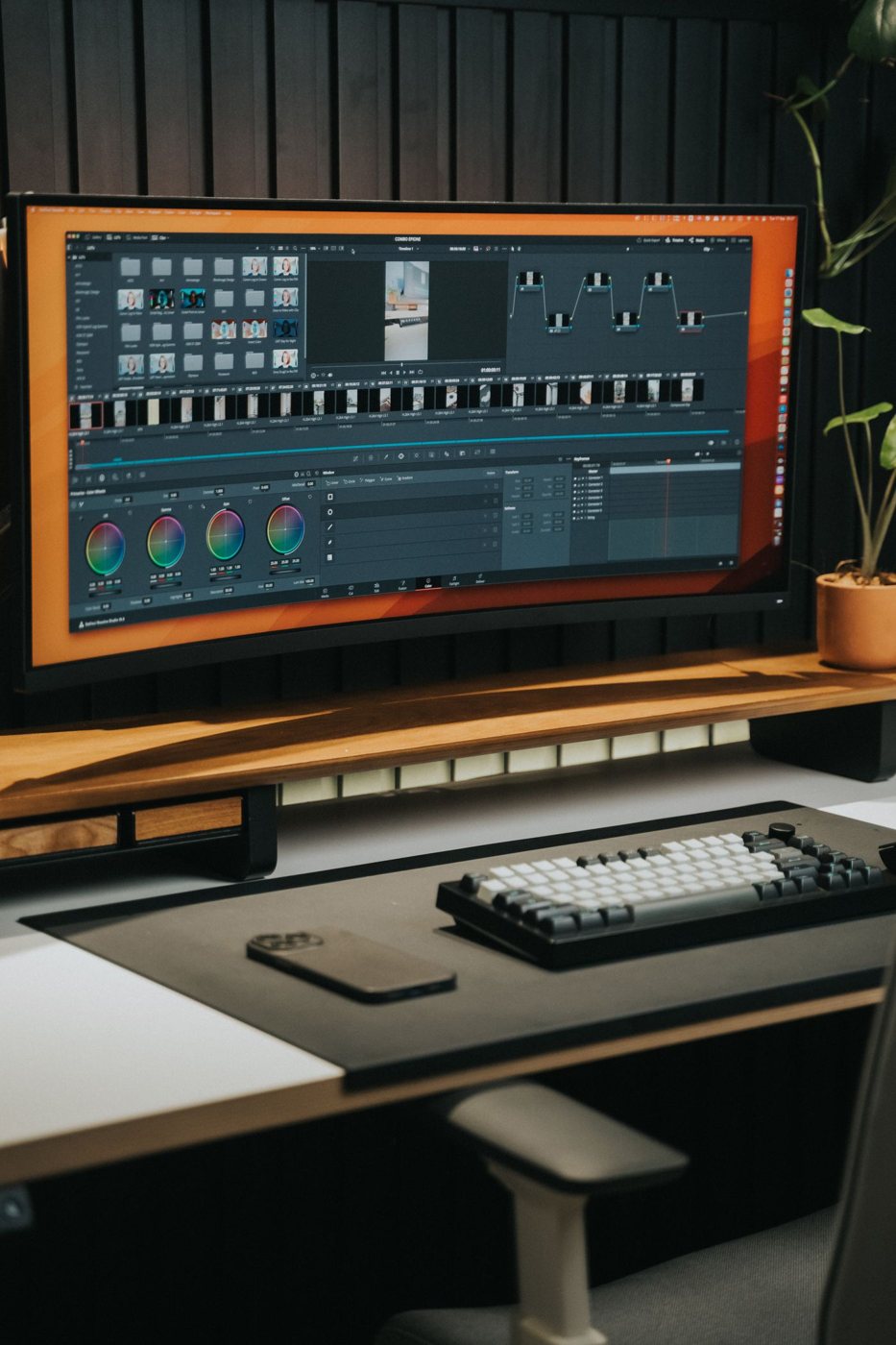
A timeline stretching across one uninterrupted screen is a different task from keeping a reference document beside a full-screen meeting. The first may favor an ultrawide display; the second may be easier with two independent monitors. Sketch the windows you use before deciding which arrangement gives you more useful space.
Continuous space versus separate boundaries
An ultrawide removes the central bezel and can accommodate a broad editing canvas. It also gives you one display to position and usually one video connection to manage. Check the actual resolution and vertical pixel count, though. A wide shape can add horizontal room without providing more room from top to bottom.
Two monitors create an obvious boundary between activities. One can hold the active task while the other carries reference material. You may also be able to rotate a compatible screen for tall documents, or replace one display later without replacing the whole arrangement.
Full-screen behavior matters. Some applications occupy the entire ultrawide unless you arrange a window manually. Screen-sharing an entire wide desktop can make its content small for remote viewers. Try sharing a single window and verify that your meeting software handles the intended layout.
Draw the footprint, including the stands
Use the manufacturer's width and depth measurements to mark the proposed arrangement on the desk. Two stands can consume substantial surface area; one ultrawide stand may still project farther forward than expected. Leave space for the keyboard, mouse movement, and the distance at which you read comfortably.
Do not equate one video socket with unlimited display support. For either choice, verify the computer and dock's supported resolution and refresh rate. With two monitors, confirm the simultaneous combination. With an ultrawide, check that its specific native mode is supported over the port you intend to use.
For unequal use, position the main task where you naturally face and let the secondary material sit beside it. A perfectly symmetrical arrangement is not automatically useful if it leaves the most-used window off to one side. Adjust the layout according to actual attention, not just the appearance of the desk.
If you already own a monitor, temporarily try the two-screen workflow with a borrowed compatible display before replacing everything. If your work repeatedly needs one broad canvas, an ultrawide may remove an actual obstacle. If it mostly needs separate applications, two conventional screens can provide clearer boundaries and more flexible replacement options.


