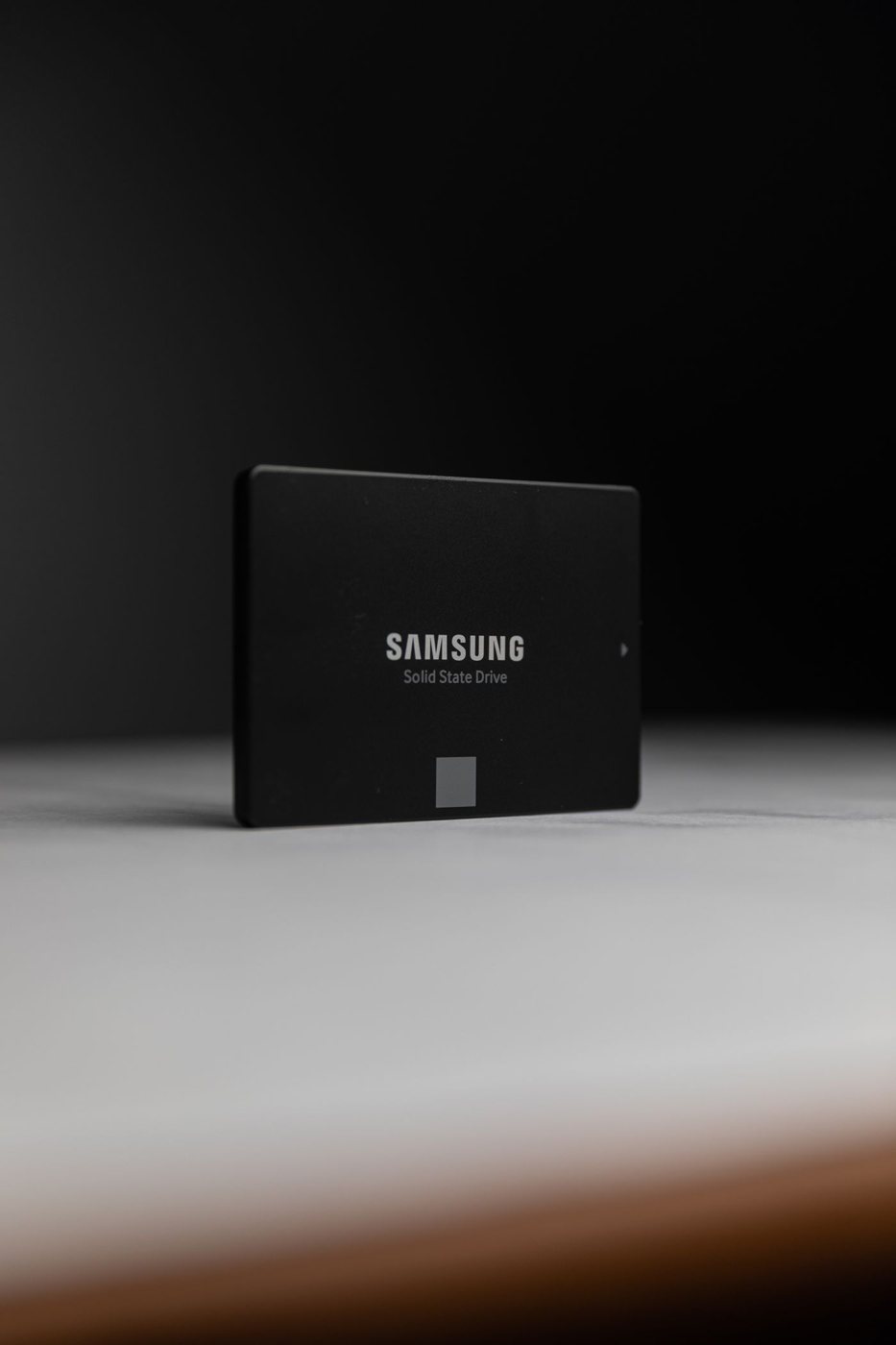
Begin a storage estimate with what you already keep, not with a familiar capacity label. Separate operating-system and application use from documents, photographs, downloaded media, and project files. This reveals whether your storage demand is stable or whether one growing collection dominates it.
Budget for files that are easy to overlook
Video projects may contain original footage, proxy files, previews, and an exported result at the same time. A downloaded archive can occupy space alongside its extracted contents. Cloud folders may also keep local copies. Count these working states rather than only the final deliverable you intend to save.
Add a realistic amount for the next period of use. If an active project produces several gigabytes each month, use that rate as a planning example, while recognizing that it may change. Avoid filling the planned drive almost to its limit on arrival; updates, temporary files, and new applications need room as well.
Advertised drive capacity and the number shown by an operating system may differ because of unit conventions, formatting, and system partitions. This does not automatically indicate missing storage. Compare the usable space after setup when judging whether a particular configuration meets your estimate.
Decide what must travel with the computer
An external archive can reduce the internal capacity you need, but only if the workflow remains manageable. Files required on a flight or at a client location should not depend on a drive left at home. Cloud storage similarly requires a deliberate offline plan; a filename visible in a folder does not always mean its contents are downloaded.
Keep the backup budget separate. Moving the only copy of old work to an external drive is relocation, not an additional copy. An internal drive failure should not take the sole version of important documents with it.
Check upgrade options before paying for a smaller built-in drive. Kingston notes that M.2 drives can use different interfaces and that motherboard resources may be shared. For your computer, confirm supported interface, physical length, capacity, and service access in its documentation. A spare-looking connector or a matching notch is not enough evidence.
Finally, compare capacity with other constraints. If the larger factory drive is costly, an approved internal upgrade or external archive may make sense. If storage is not replaceable and you routinely work offline with large projects, buying adequate internal space at the outset can remove a recurring inconvenience. Choose the arrangement you will actually maintain.


