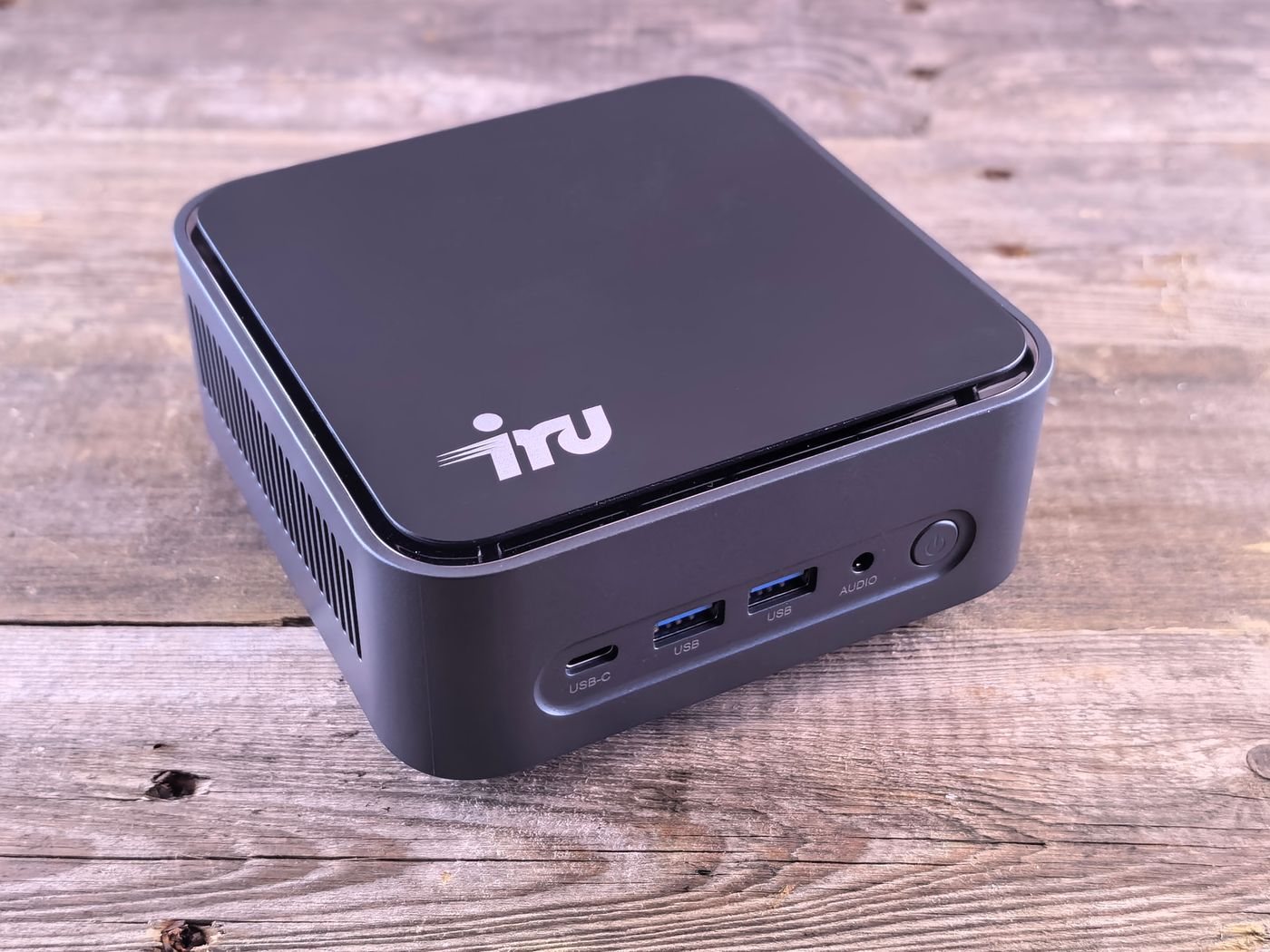
A mini PC is appealing when the computer itself should disappear from the working surface. It can sit beside a display or, with an approved mounting arrangement, behind one. The small box still needs power, ventilation, and access for cables, so its actual footprint is larger than the enclosure dimensions suggest.
Find out what is included
Listings can describe either a ready-to-use computer or a barebones unit. Confirm whether memory, storage, an operating-system license, and a power supply are included. Also verify that wireless networking is present if you cannot run Ethernet. Comparing an incomplete kit with a finished computer makes the apparent saving misleading.
Check the exact configuration rather than the product-family photograph. Two machines in a similar enclosure can have different processors, display limits, or front ports. If you need two screens, record the supported resolution and refresh rate for each simultaneous output. An unused USB-C socket is not proof that another monitor can connect.
Everyday browser and document work may be a comfortable fit for a compact machine, but specialist software can impose graphics, memory, or driver requirements. Use the software publisher's requirements and your file sizes to define the configuration. Leave room in the budget for input devices and a camera if the existing monitor does not provide them.
Plan access behind the monitor
A rear mount can make the power button, removable drives, and headset socket inconvenient to reach. Decide which connections stay attached and which you use daily. Route cables with enough slack for the display's normal tilt or height movement without putting tension on the computer's ports.
Mount compatibility is separate from weight alone. A monitor arm may already occupy the same mounting holes, and a bracket must be approved for the computer and support arrangement. Do not improvise a mount that covers ventilation openings. Read the specified clearances and keep the external power brick accessible too.
For future maintenance, check how the enclosure opens and which components the manufacturer allows users to replace. Kingston's SSD guidance distinguishes M.2 physical format from the storage interface; matching the card's appearance alone is insufficient. Confirm slot type and supported dimensions before budgeting for another drive.
A mini PC is strongest when it simplifies a stable desk arrangement. If it creates a pile of hubs, external drives, and adapters to make up for missing connections, compare the resulting setup with a slightly larger computer before ordering.


