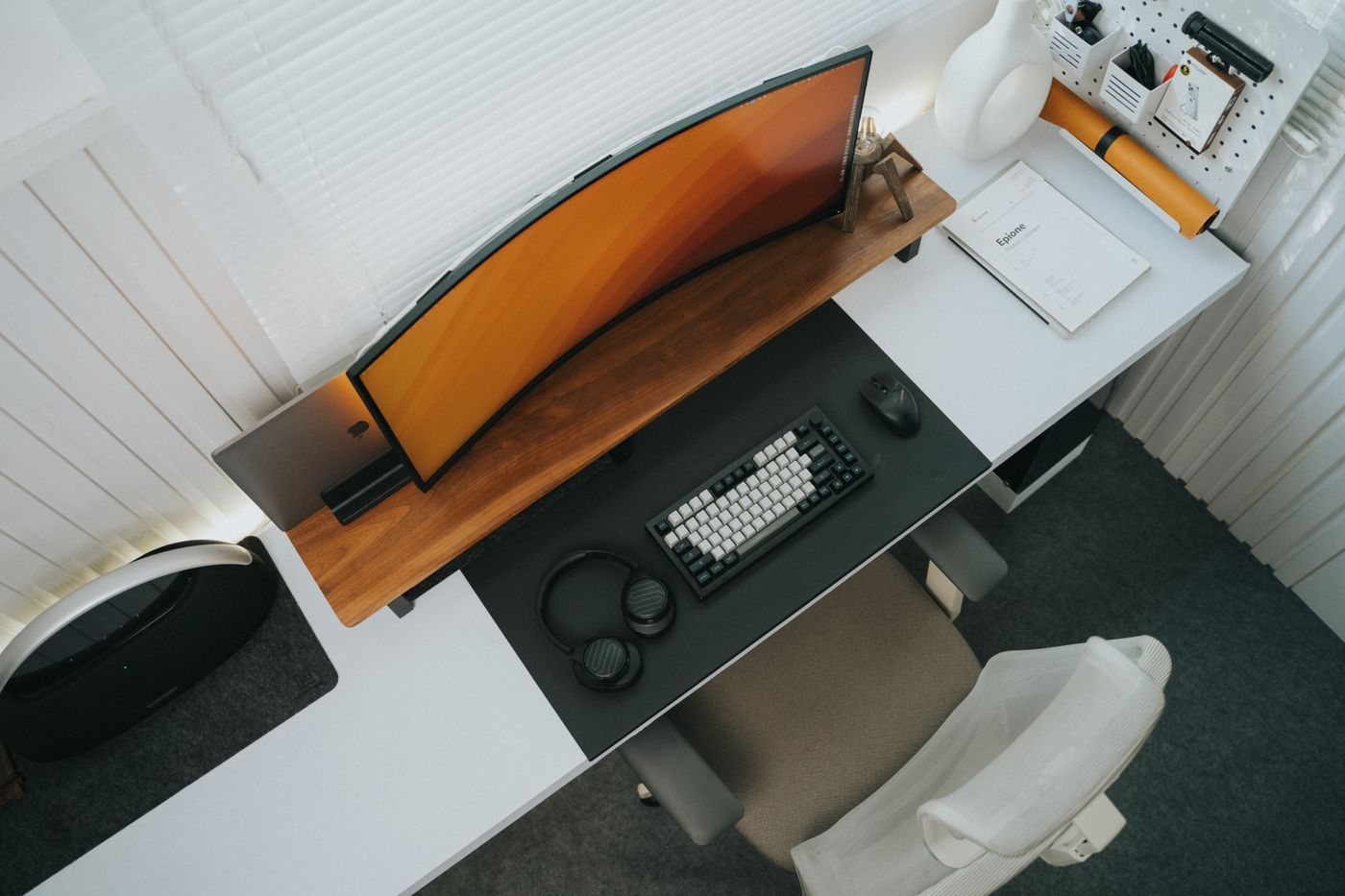
Moving a desk setup is easier when the work begins before the first cable is unplugged. Separate the information that must remain available from the equipment that will be transported. Check that important files have a usable backup, and confirm how you will access essential accounts from the destination.
Make a simple inventory of the equipment being moved. Include power adapters, mounting hardware, and small wireless receivers that are easy to overlook. Photograph the connection layout for your own reference, making sure passwords and confidential documents are not visible.
Disconnect with a plan
Close applications and shut down equipment according to its instructions. Remove external storage safely before unplugging it. Label cables by their destination or function, keeping the adapter's original identification visible. A label such as monitor power is more useful during unpacking than a number with no surviving key.
Follow manufacturer guidance for removing stands, transporting printers, and securing moving parts. Keep screws and small brackets in labeled containers associated with the relevant device. Do not assume that every printer or adjustable arm can be transported in its normal working position.
Use suitable protective packaging. The original packaging can help when it is intact and appropriate for the move; otherwise select protection suited to the equipment. Avoid placing pressure on screens or connectors. Batteries and other regulated items may have transport requirements, particularly when a carrier or air travel is involved, so check those requirements before packing.
Rebuild the essential setup first
At the destination, inspect the equipment and arrange the desk before connecting everything. Confirm suitable power access and a clear cable route. Start with the computer, one display if needed, and the input devices required to work. Add less essential accessories after the basic setup functions.
Use the connection photographs as a reference, not as a requirement to reproduce an unsuitable old layout. The new room may call for different monitor placement, cable lengths, or storage. Check each connection and device deliberately so a problem can be traced to a small change.
Keep packaging and labels until the equipment has been checked. Compare the inventory with what has arrived and record any damage promptly through the appropriate moving or purchase process. Once the workspace is stable, update the connection notes to match its new arrangement rather than retaining an obsolete diagram.