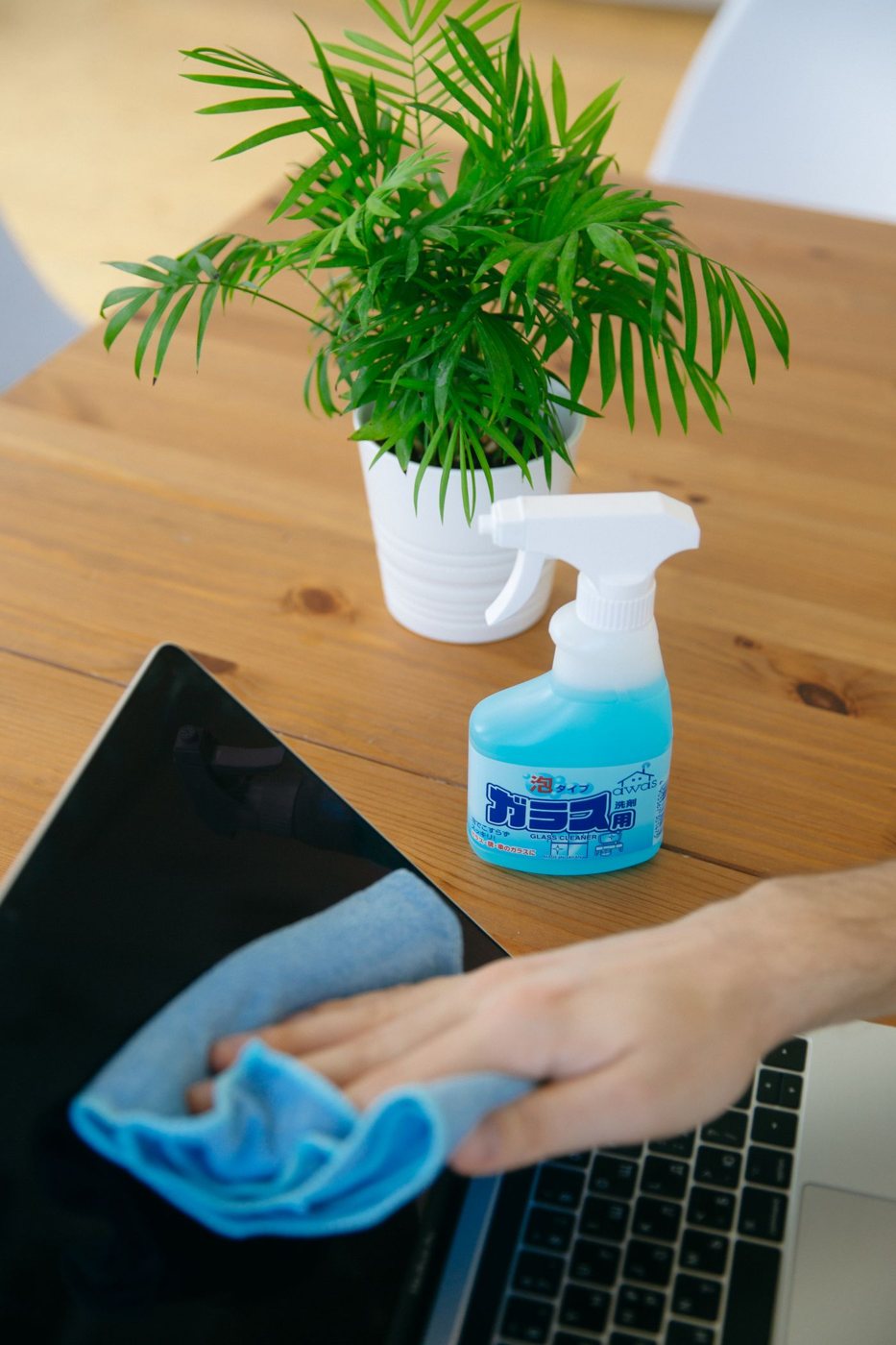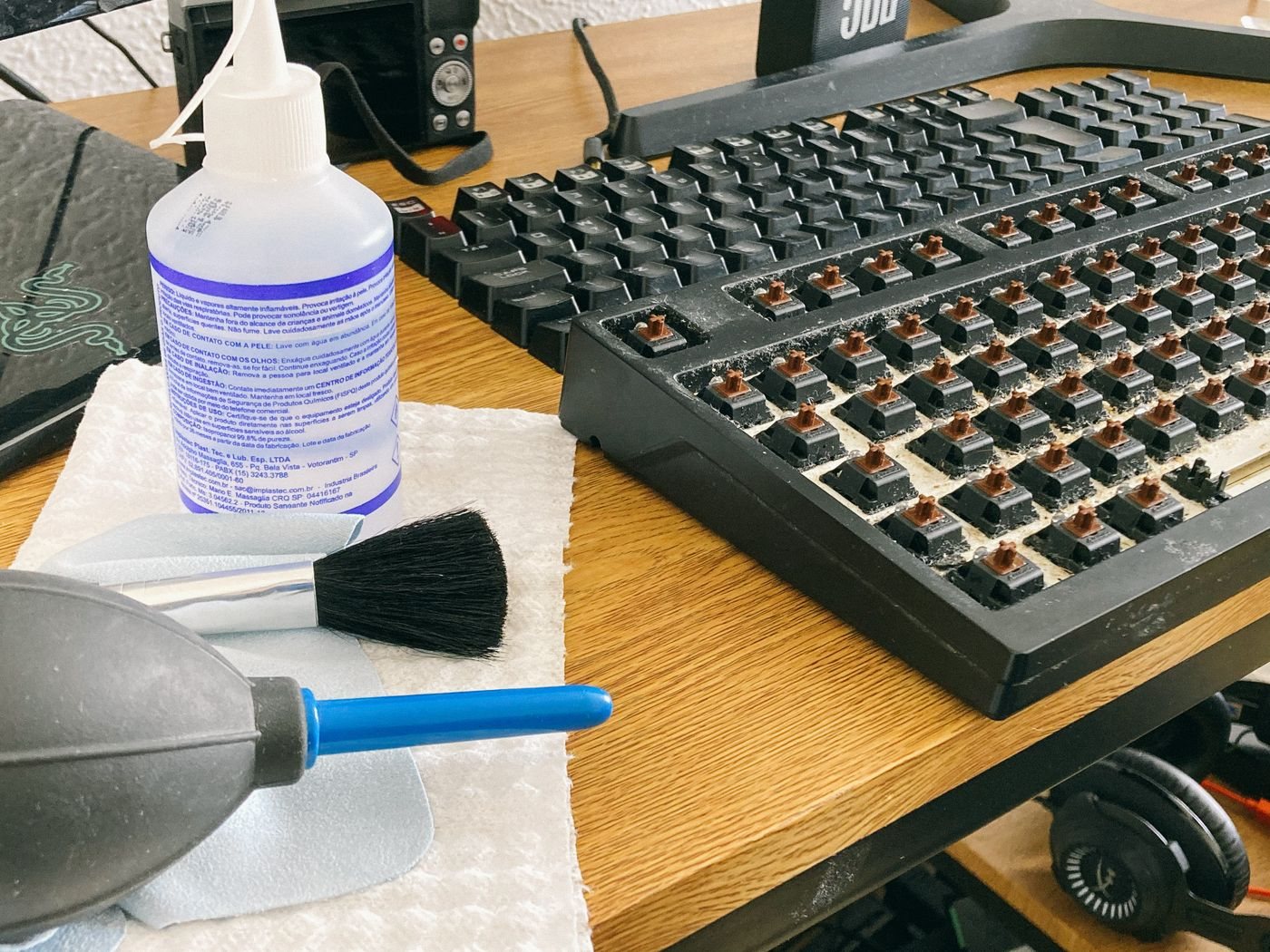
After a spill near electronics, first identify where the liquid went. A drink on a dry section of desk is different from liquid entering a laptop, charger, power strip, or wall outlet. Do not reach through liquid to unplug equipment or touch wet mains connections. If there is smoke, sparking, or fire, leave the area and contact emergency services from safety.
If mains equipment or an outlet is wet, keep away. Isolate power only from a safe, dry location if you know how to do so, and obtain qualified help when necessary. Do not attempt to remove a wet or damaged plug with tools. Saving a device is secondary to avoiding electrical injury.
Stop the experiment
For an affected battery-powered device that can be handled safely, stop using it and follow the manufacturer's shutdown and disconnection instructions. Do not keep typing, connect a charger, or repeatedly press the power button to check whether it survived. A device appearing to work immediately does not establish that its interior is dry or undamaged.
Remove only external accessories that can be disconnected safely. Do not open a sealed battery compartment or start an improvised teardown. Blot accessible exterior liquid gently with a suitable absorbent cloth without pushing it into openings. Avoid shaking the device or changing its position repeatedly in an attempt to chase liquid through the case.
Use guidance for the exact device
Contact the manufacturer or a qualified repair provider and describe what spilled, approximately how much, where it entered, and whether the device was powered. Water, coffee, and other liquids can leave different residues, so keep that information factual. Record the time of the spill and any visible warning message without powering the device back on to retrieve it.
Some devices provide a liquid-detection alert for a particular port. Apple's MacBook guidance covers that specific situation, but a port-drying procedure is not a guarantee that a larger spill inside a computer has been resolved. Follow the model-specific instructions and seek service when liquid may have entered the enclosure.
Do not use rice, a hair dryer, an oven, or an improvised solvent rinse. Avoid inserting swabs or paper into a port unless the manufacturer expressly directs that procedure. External heat and forced air can introduce additional damage or move contamination. There is no universal waiting period after which every spilled-on device is safe to charge.
Preserve the recovery options
Tell the service provider if the device contains important data and whether another copy exists. Do not restart it merely to make a backup after a suspected internal spill. Ask about data handling before agreeing to a repair that could erase or replace storage.
Keep the charger and other affected accessories identified so they can be assessed too. A repaired computer should not be reconnected to a wet or damaged power supply. Before returning the workspace to use, resolve the source of the spill and keep liquids away from the equipment's power and ventilation paths.