A USB device can receive power without being available to an application. Begin by identifying what “not detected” means: no light, absent from system settings, present in the system but missing from one app, or repeatedly disconnecting. Keep the exact error message if one appears.
Inspect the accessible cable and connectors before reconnecting. Stop if there is damage, unusual heat, or evidence of liquid. For a storage device containing important files, do not accept a format or initialization prompt merely to make it appear in the file browser.
Establish a direct baseline
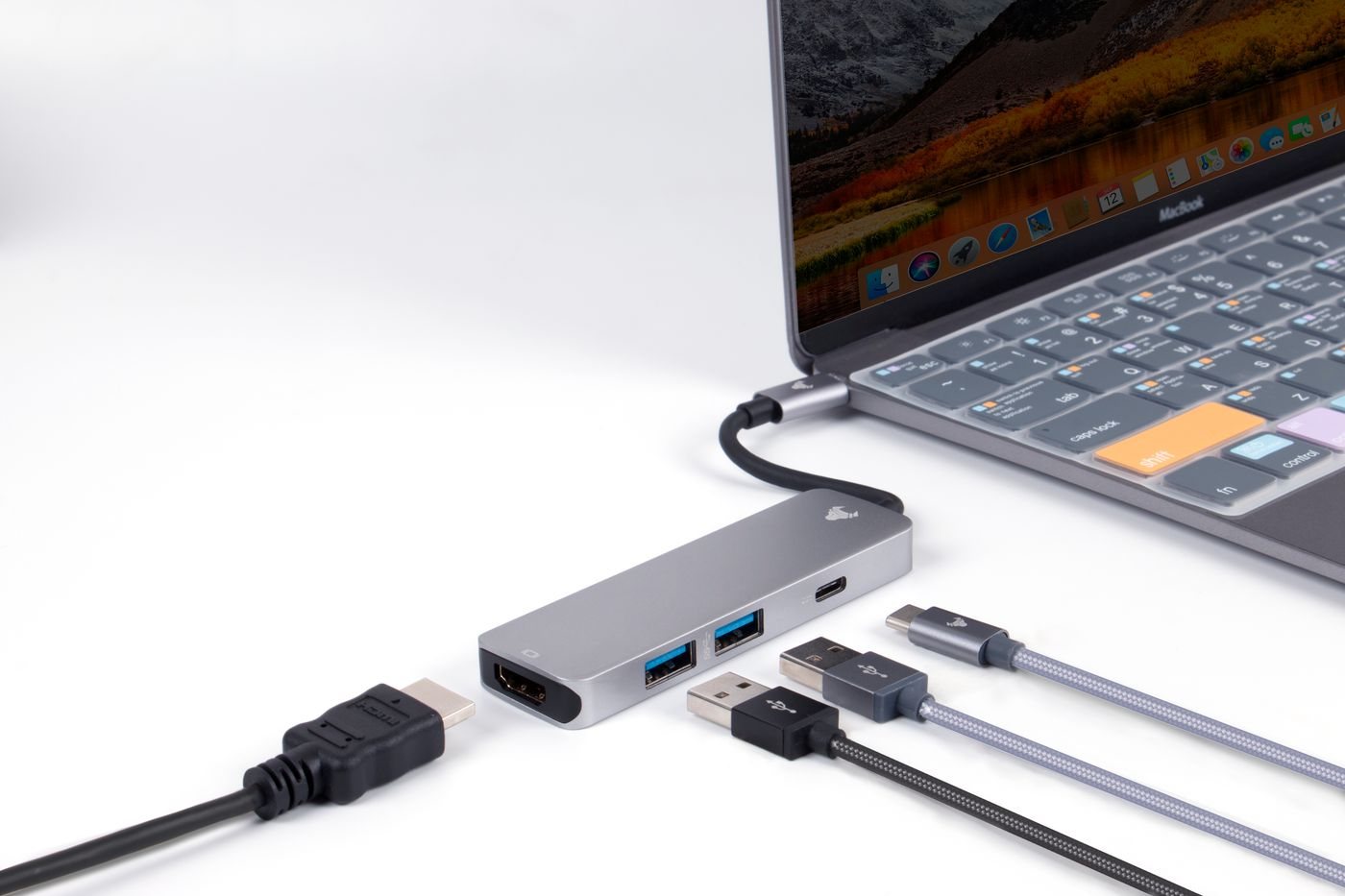
If appropriate for the device, connect it directly to a supported computer port using its supplied or known-compatible cable. Remove optional hubs, extensions, and adapters from the test. Apple uses this simplification in its guidance for USB power warnings, and it is a useful way to isolate the connection path.
Check whether the cable carries data. Some charging arrangements can power a device without providing the data function you need. Also confirm that a multiport accessory's socket is a data port rather than a charging input or charge-only output.
If the device has its own power supply, use the specified adapter and confirm it is connected as instructed. A powered hub must have its power supply attached to provide its intended arrangement. Do not substitute an unrelated supply as a diagnostic shortcut.
Distinguish recognition from access
Look in the operating system's relevant device view. If the device appears there but not in one application, check that application's device selection and permissions. Cameras, microphones, storage, and specialized peripherals have different access requirements. A driver or companion application may be needed, but obtain it from the manufacturer's official support page.
For storage, a recognized disk that cannot be opened can involve file-system compatibility or encryption. Preserve the existing data and seek appropriate help before changing its format. For a managed computer, removable-device access may be controlled by policy.
Try one known-working alternate port or cable when available, then record the result. Repeatedly unplugging a failing drive or forcing a connector is not a substitute for diagnosis. If the device works directly but fails through a hub, document the hub and the other connected devices.
A useful support note includes the device model, computer, operating system, exact connection route, and recognition behavior. That separates a power issue from a software-access problem and helps avoid replacing an accessory that is working correctly but connected through an unsupported path.