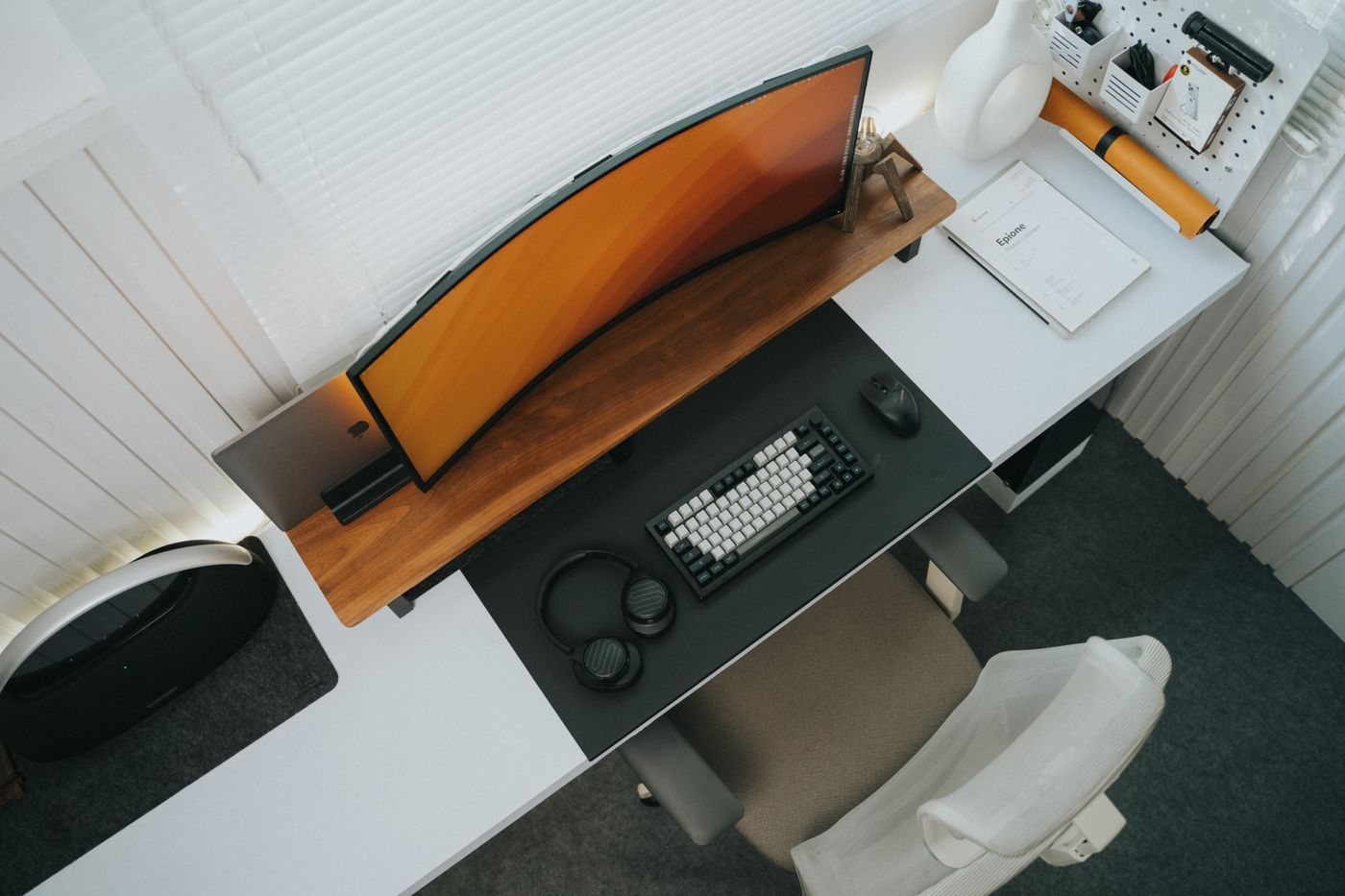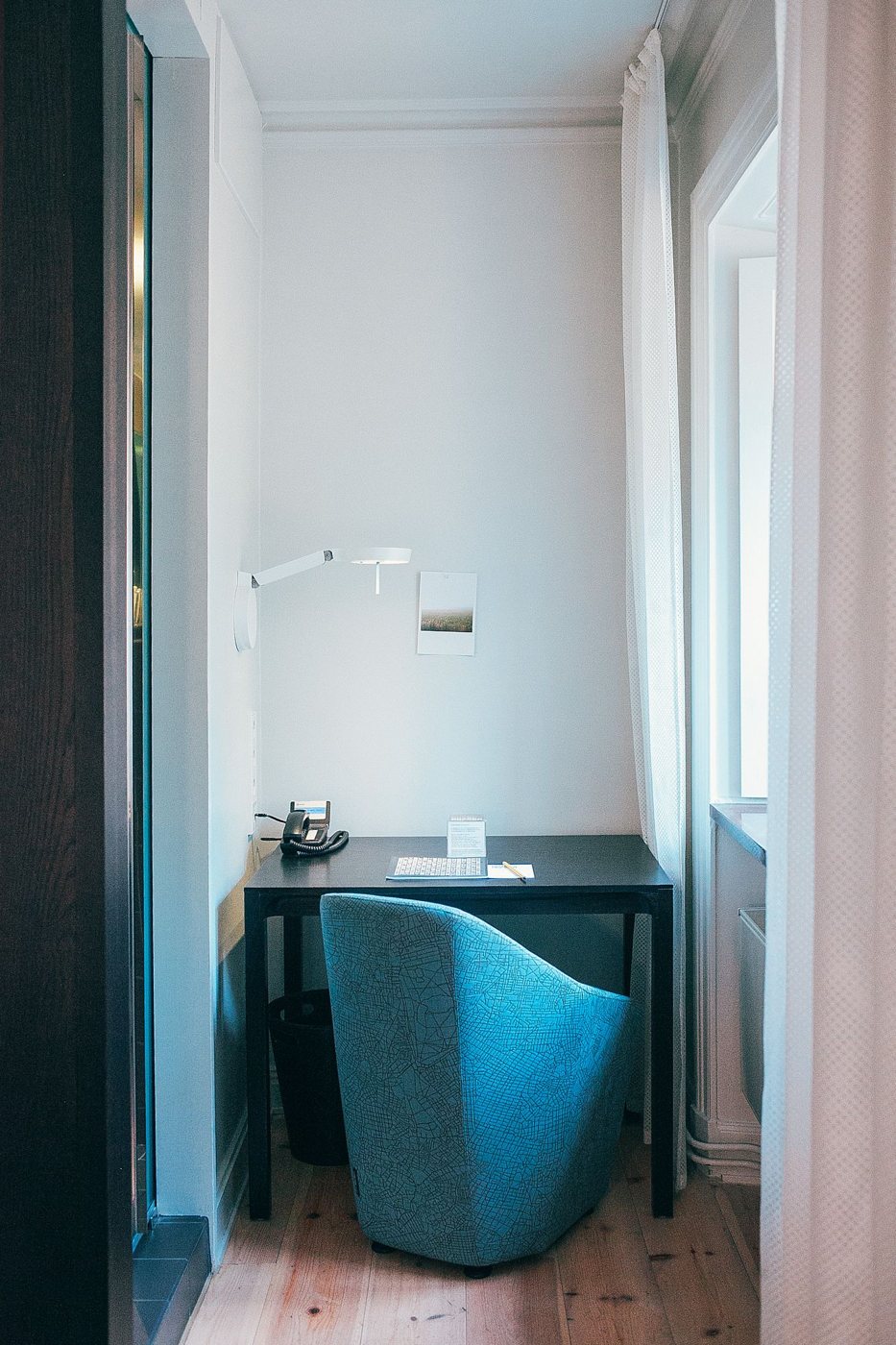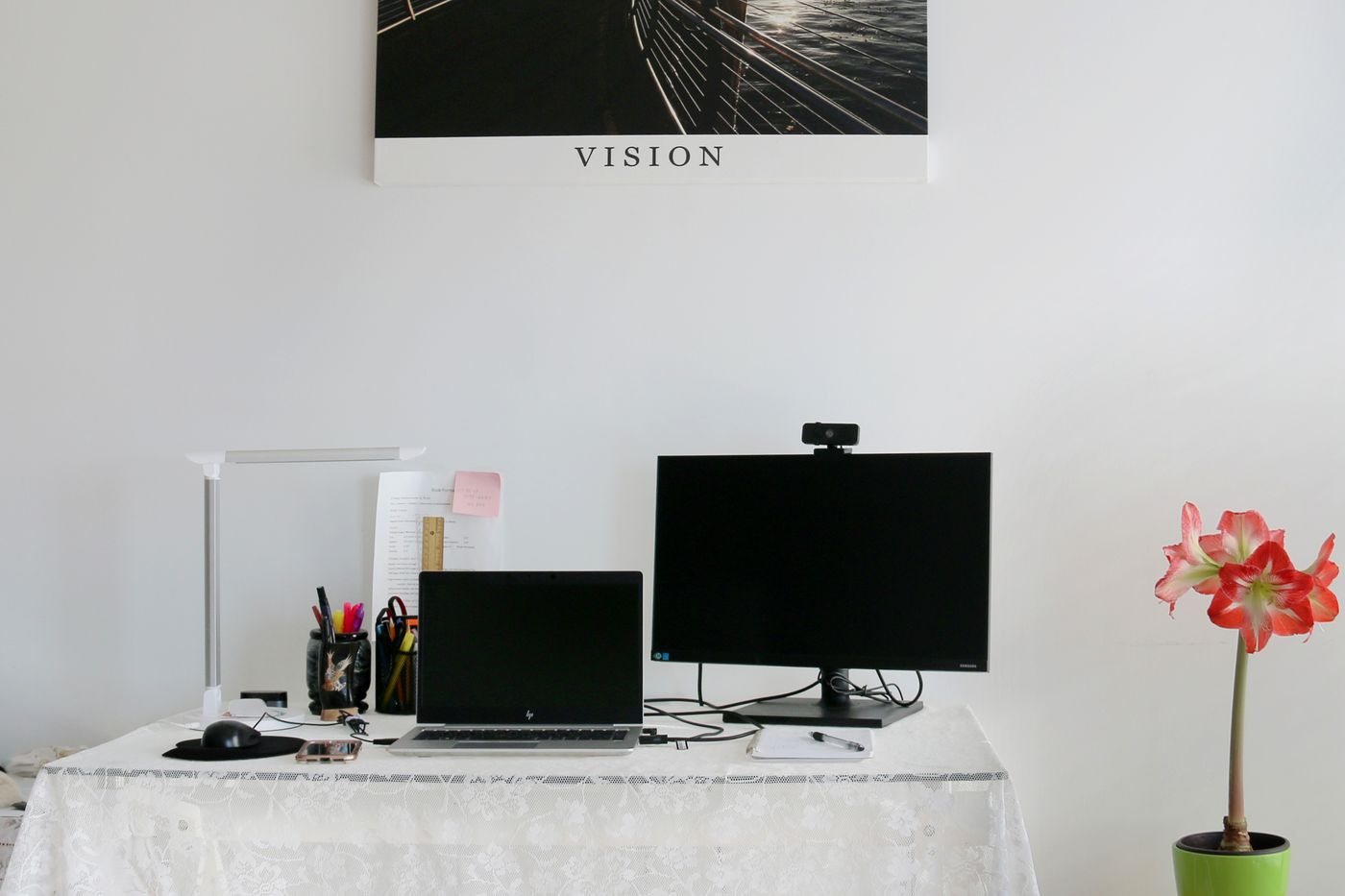
A temporary video-call area should be quick to establish and easy to return to its ordinary purpose. Start with the call's requirements: whether you need to appear on camera, share a screen, refer to notes, or discuss confidential material. Those needs matter more than making the entire room look like a permanent studio.
Choose a stable surface for the computer or camera. Frame the view from the position you will actually use, and check what is visible behind you. Move personal documents and other sensitive information out of view. A blurred or virtual background can help presentation, but it should not be your only protection for confidential material.
Make a short test before the meeting
Open the application's audio and camera preview. Confirm the selected microphone, speaker, and camera rather than assuming the most recently connected device is active. Speak at a normal volume and use the available test features or a short permitted recording to check intelligibility.
Look at the preview with the room's current lighting. A bright window behind you can make your face difficult to see. Adjust your position or available shades, and use a suitable lamp if needed. Avoid placing a hot light close to fabric or using an unstable improvised support.
Keep notes near the camera's direction without covering ventilation or controls. If you will share your screen, close unrelated windows and notifications and identify the exact window or display you intend to share. Verify that the shared material contains only what the meeting requires.
Plan the interruption points
Tell other occupants when the space will be in use, where appropriate. Close a door if the room allows it, and choose a microphone arrangement that keeps your voice clear at a comfortable speaking level. Headphones can prevent meeting audio from filling a shared room, but they do not stop your own speech from being heard nearby.
Keep the charging arrangement and cable route suitable for the entire call. Avoid a temporary cable crossing a walkway simply because the meeting is short. Have a simple fallback, such as reconnecting through the approved application with video disabled if appropriate.
Afterward, stop screen sharing and leave the meeting before packing away. Return borrowed furniture and remove temporary cables. Store the few items needed for the next call together so that preparation remains a small, repeatable task.