The guide library
Care & troubleshooting
Observe the problem, check the relevant instructions, and keep useful records. Guides to maintenance, backups, and measured troubleshooting.
 Care & troubleshooting
Checking a camera that an app cannot use
Check shutter position, app selection, permissions, and direct connection when a camera is unavailable.
 Care & troubleshooting
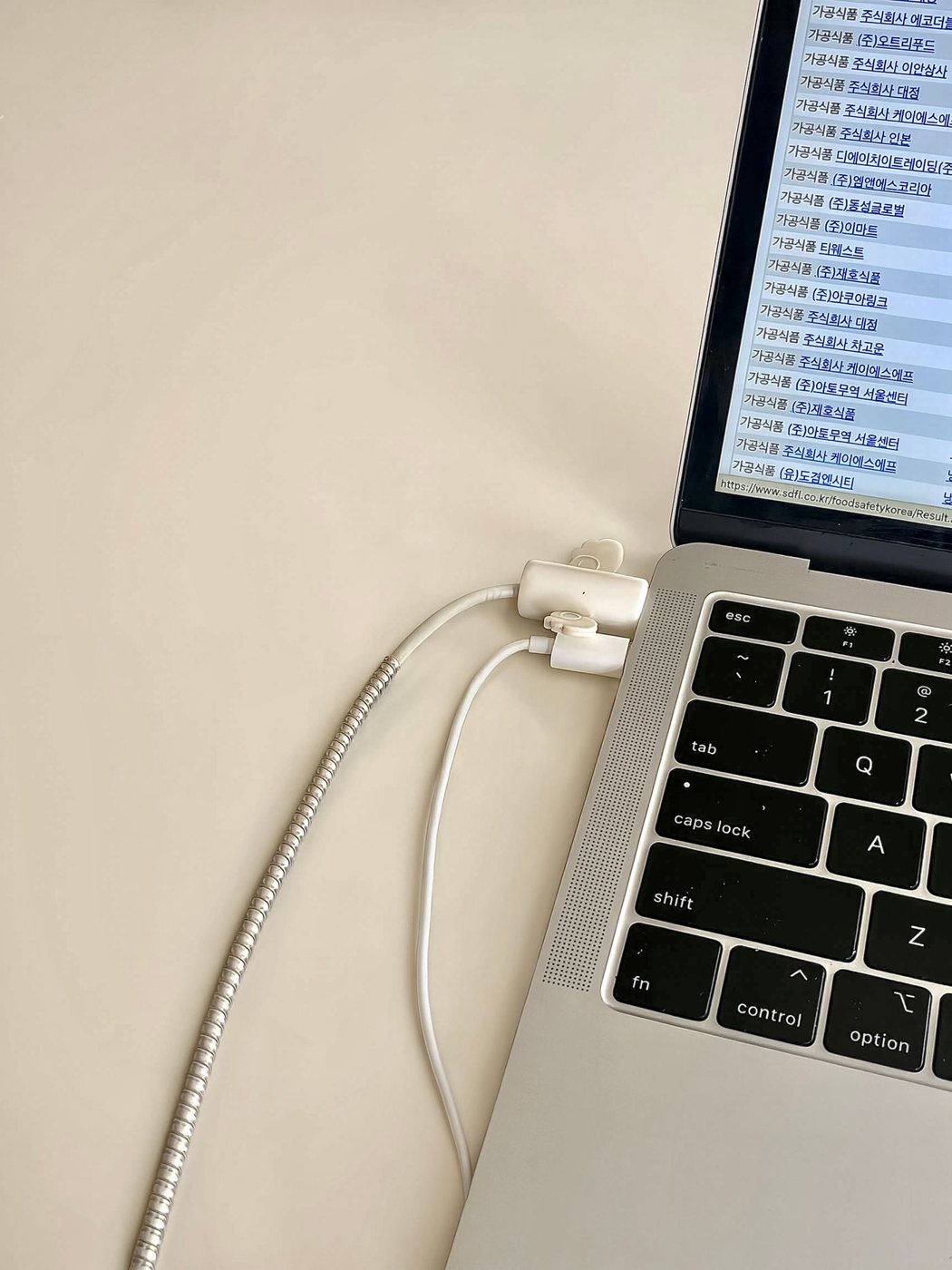
Documenting a laptop charging problem
Record the charging arrangement and symptoms while recognizing the conditions that require stopping use.
 Care & troubleshooting
Checking a stalled print job
Find the blocked job and check printer status before sending repeated copies or resetting the setup.
 Care & troubleshooting
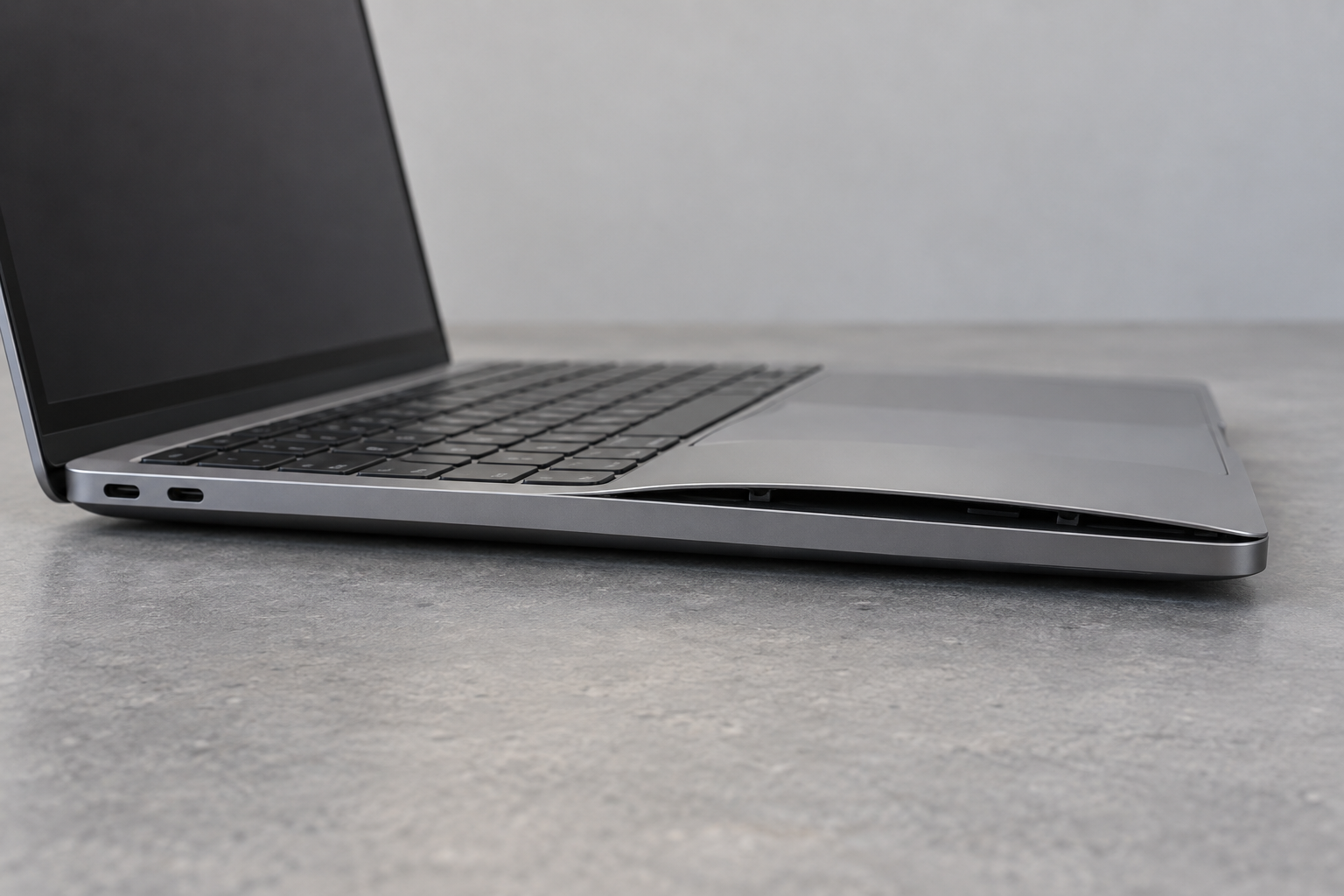
What to do when a device battery looks swollen
Stop using a device with suspected battery swelling and arrange model-specific handling and service.
 Care & troubleshooting
First decisions after a spill near electronics
Put electrical safety first after a spill and avoid powering wet equipment to test whether it still works.
 Care & troubleshooting
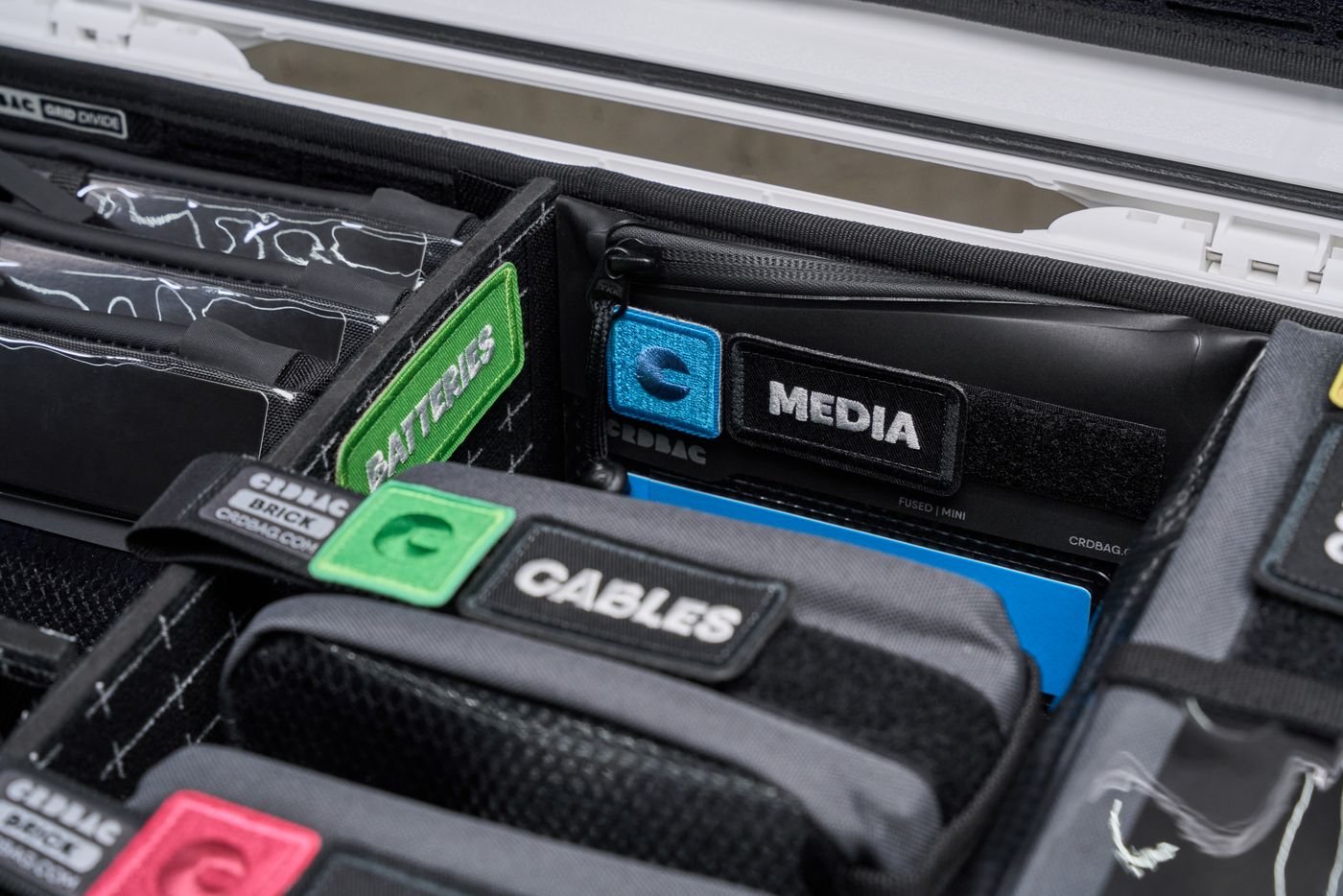
Storing unused electronics with a plan
Store unused electronics with their identity, data needs, battery instructions, and future checks in mind.
 Care & troubleshooting
Preparing a computer for a new owner
Verify your backup, use the correct erase procedure, and remove account ties before handing over a computer.
 Care & troubleshooting
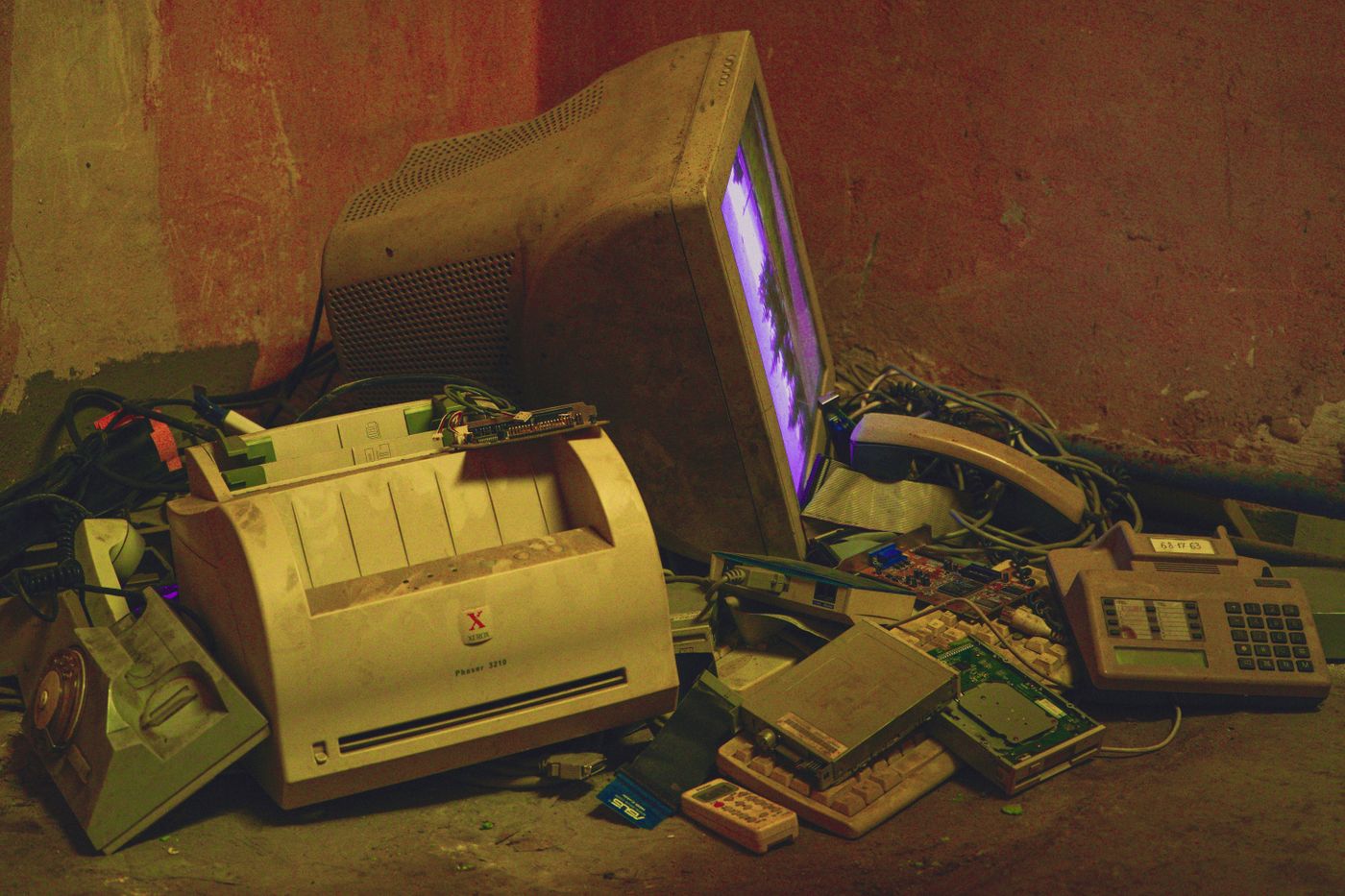
Finding an appropriate electronics recycling route
Check accepted items, data handling, and damaged-battery rules before taking electronics to a collection point.
 Care & troubleshooting
Keeping receipts and warranty details findable
Keep purchase evidence, model details, and service correspondence together so a claim starts with clear facts.
 Care & troubleshooting
Writing a troubleshooting log that helps support
Capture a repeatable symptom, one change at a time, and the result that helps support narrow the cause.