The guide library
Input & meetings
Keyboards, pointing devices, printing, and meeting equipment. Explore the small choices that affect how tools fit into your routine.
 Input & meetings
Lighting your face for video calls
Use window position, gentle front lighting, and a camera preview to create a readable meeting image.
 Input & meetings
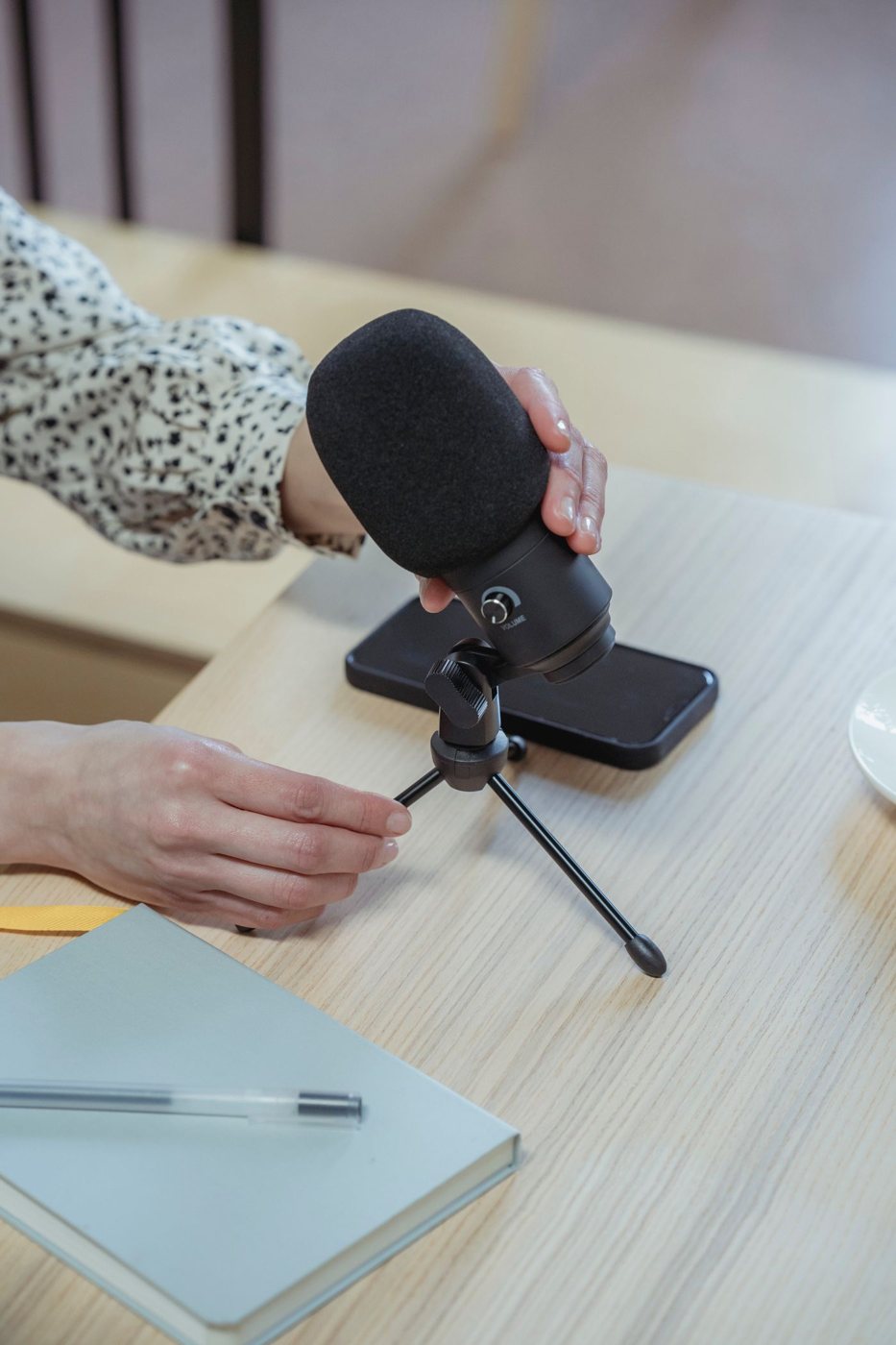
Placing a microphone before replacing it
Improve speech capture by testing microphone direction, distance, room sound, and the input selected in your application.
 Input & meetings
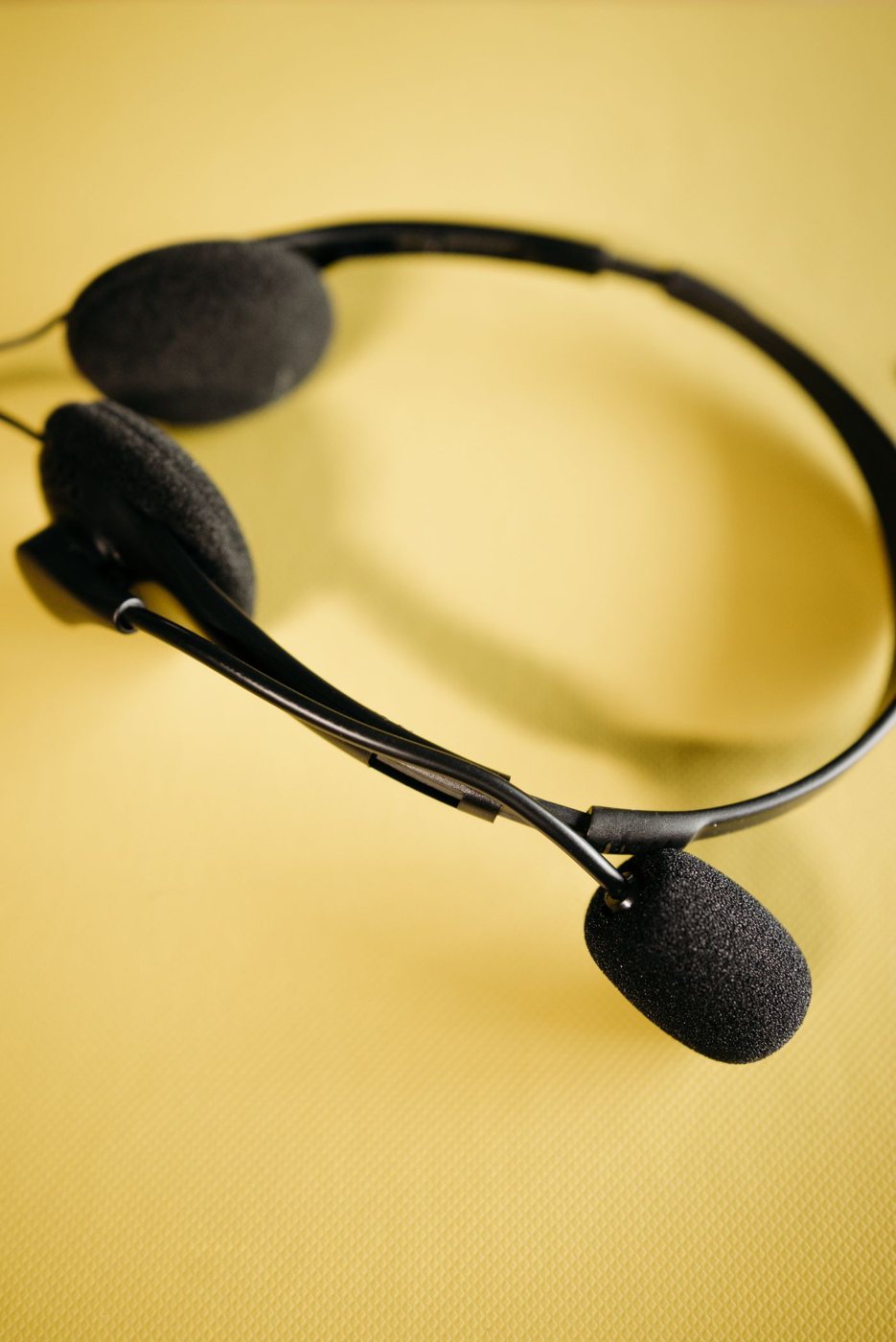
Choosing a headset for longer calls
Evaluate pressure, microphone placement, controls, and connection reliability during a realistic call-length trial.
 Input & meetings
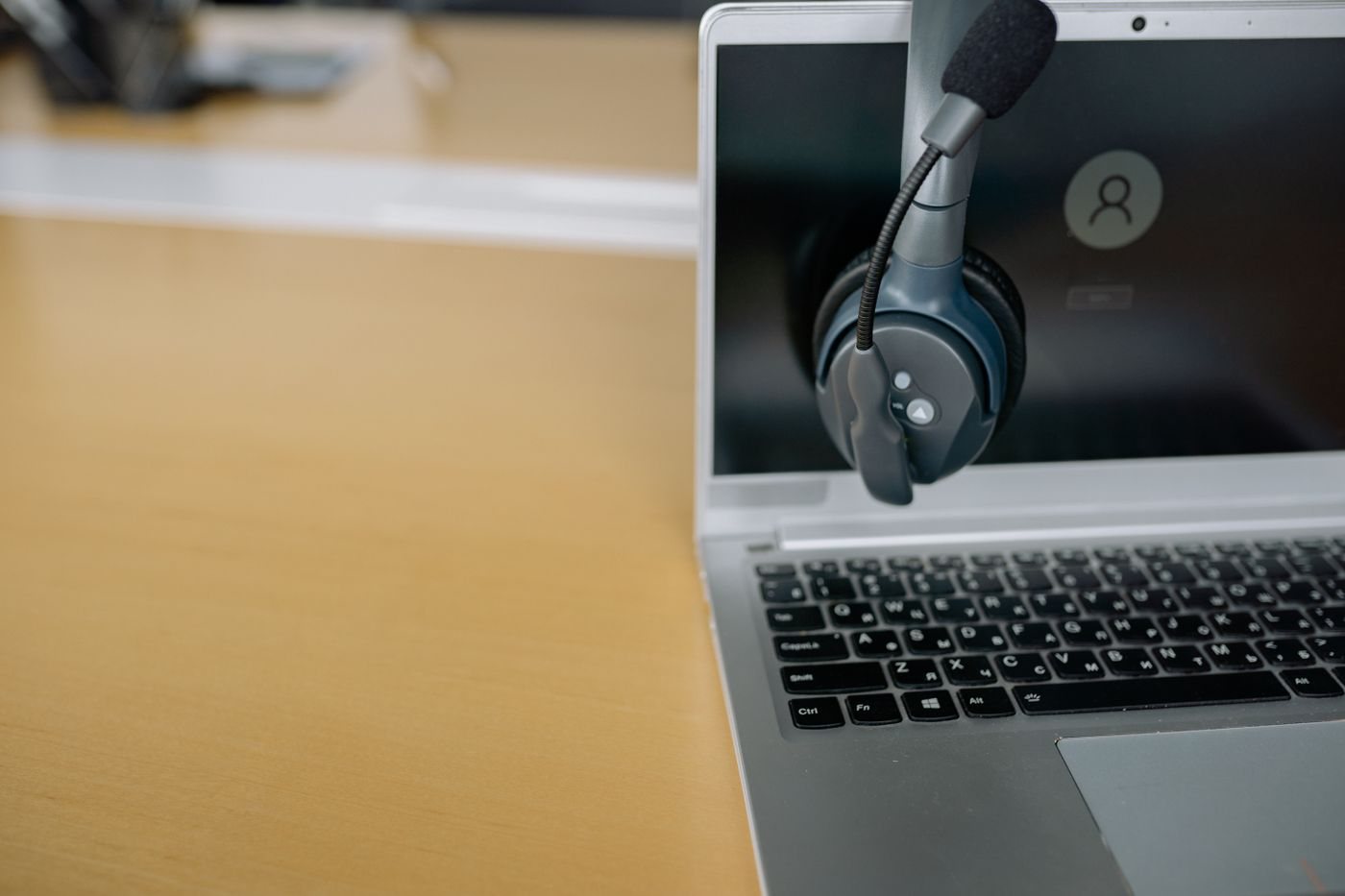
Checking headset connections across devices
Distinguish analog plugs, USB audio, Bluetooth, and receiver functions when using one headset with several devices.
 Input & meetings
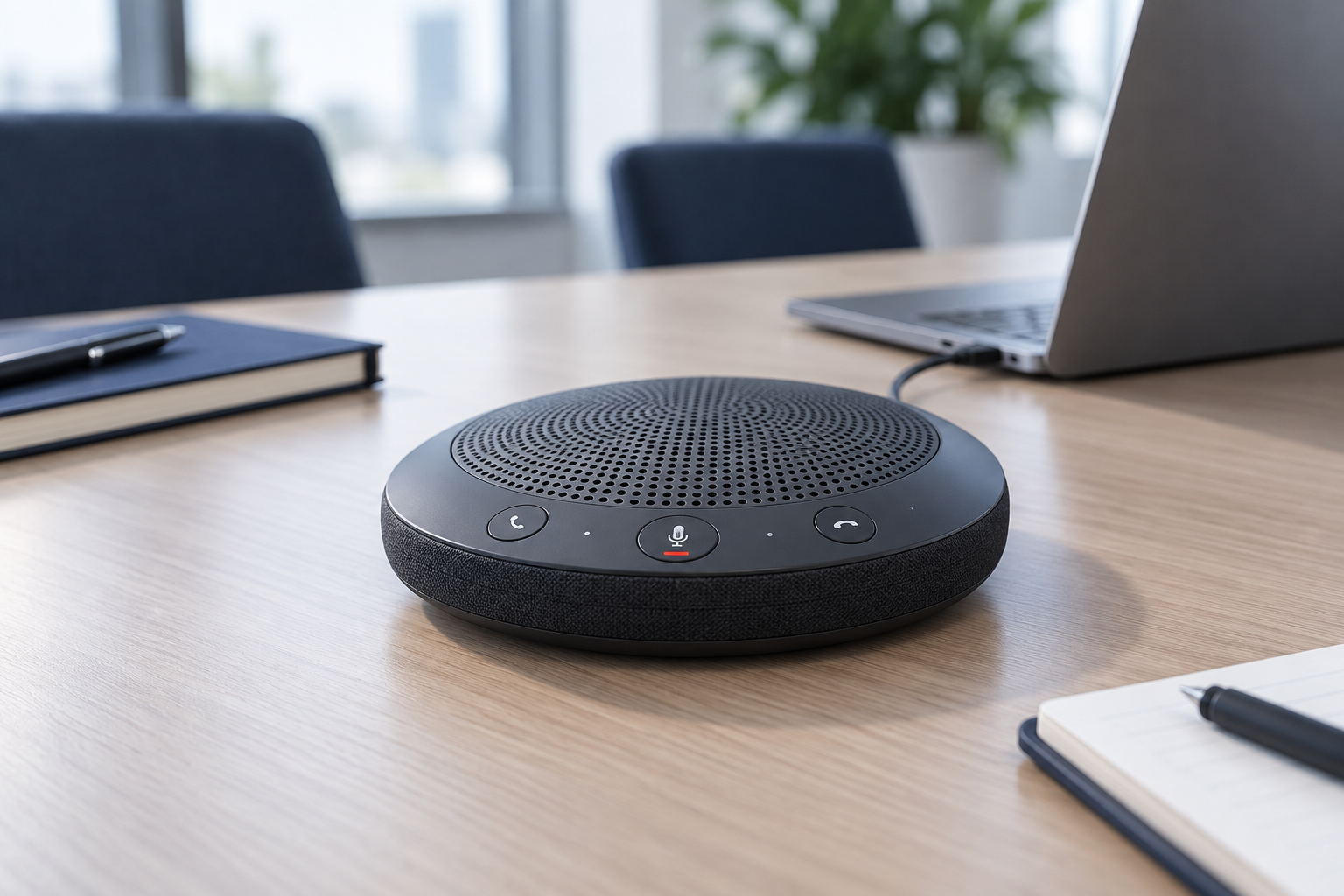
When a desktop speakerphone makes sense
Consider room privacy, participant distance, echo control, and device support before replacing a headset with a speakerphone.
 Input & meetings
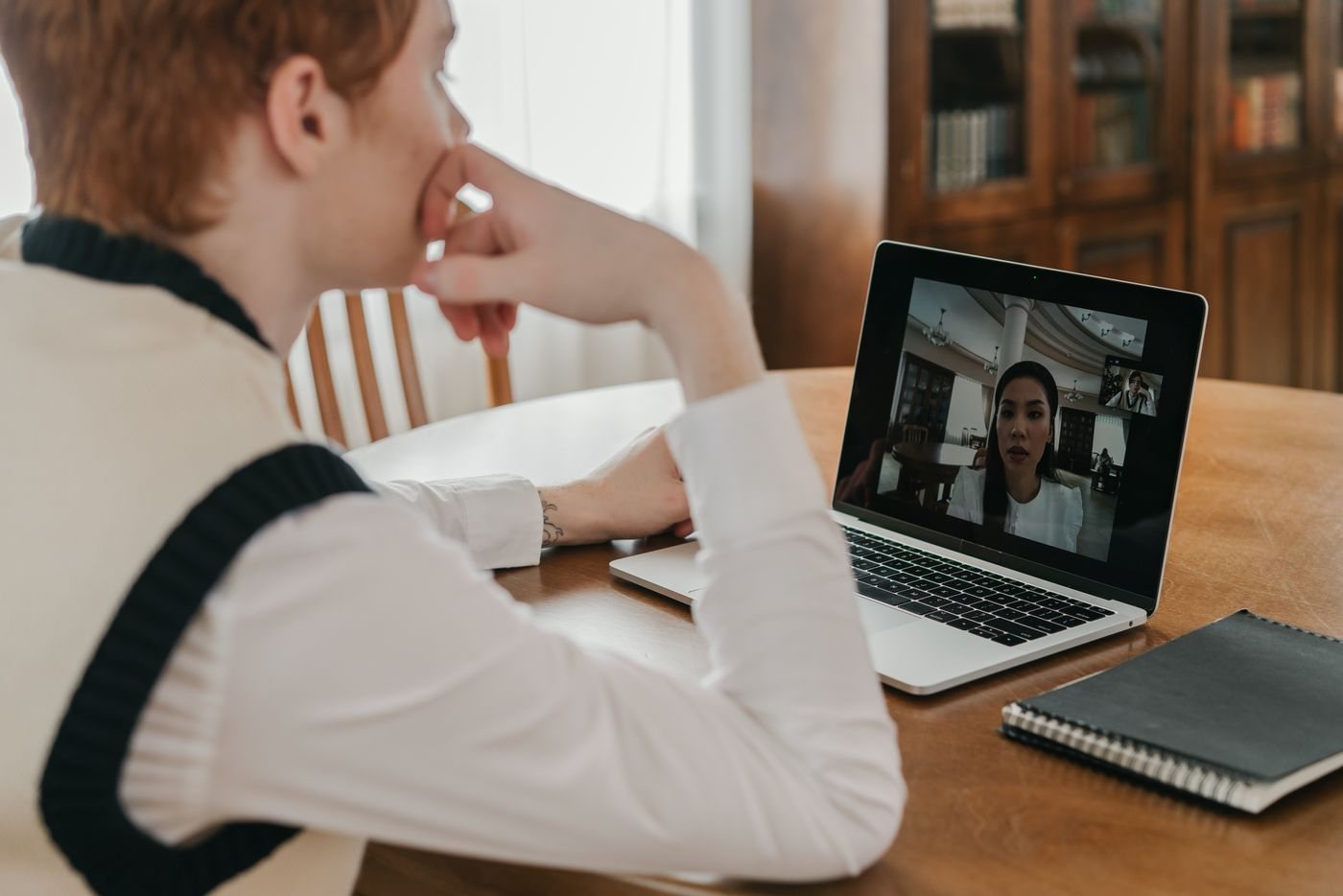
Tracing echo in a video meeting
Isolate duplicate audio connections and speaker pickup before changing microphones or meeting settings at random.
 Input & meetings
Building a reliable mute routine
Understand hardware and application mute states, then test a simple routine for joining, speaking, and leaving calls.
 Input & meetings
Choosing a simple video-call background
Use framing, room placement, and a preview to keep a meeting background readable and free of unintended information.
 Input & meetings
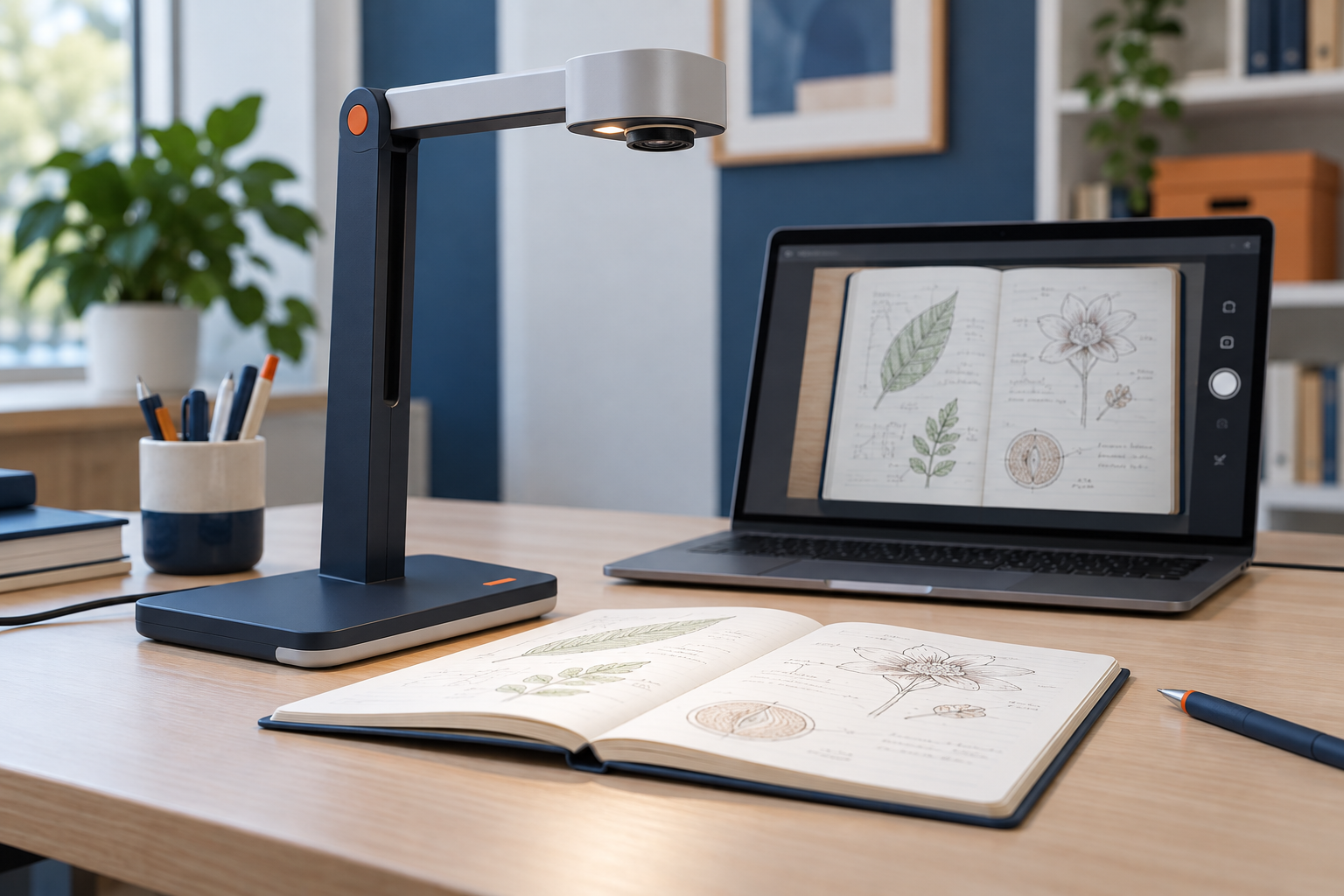
Using a document camera for demonstrations
Choose framing, focus, lighting, and sharing settings around the physical object or page your audience needs to see.
 Input & meetings
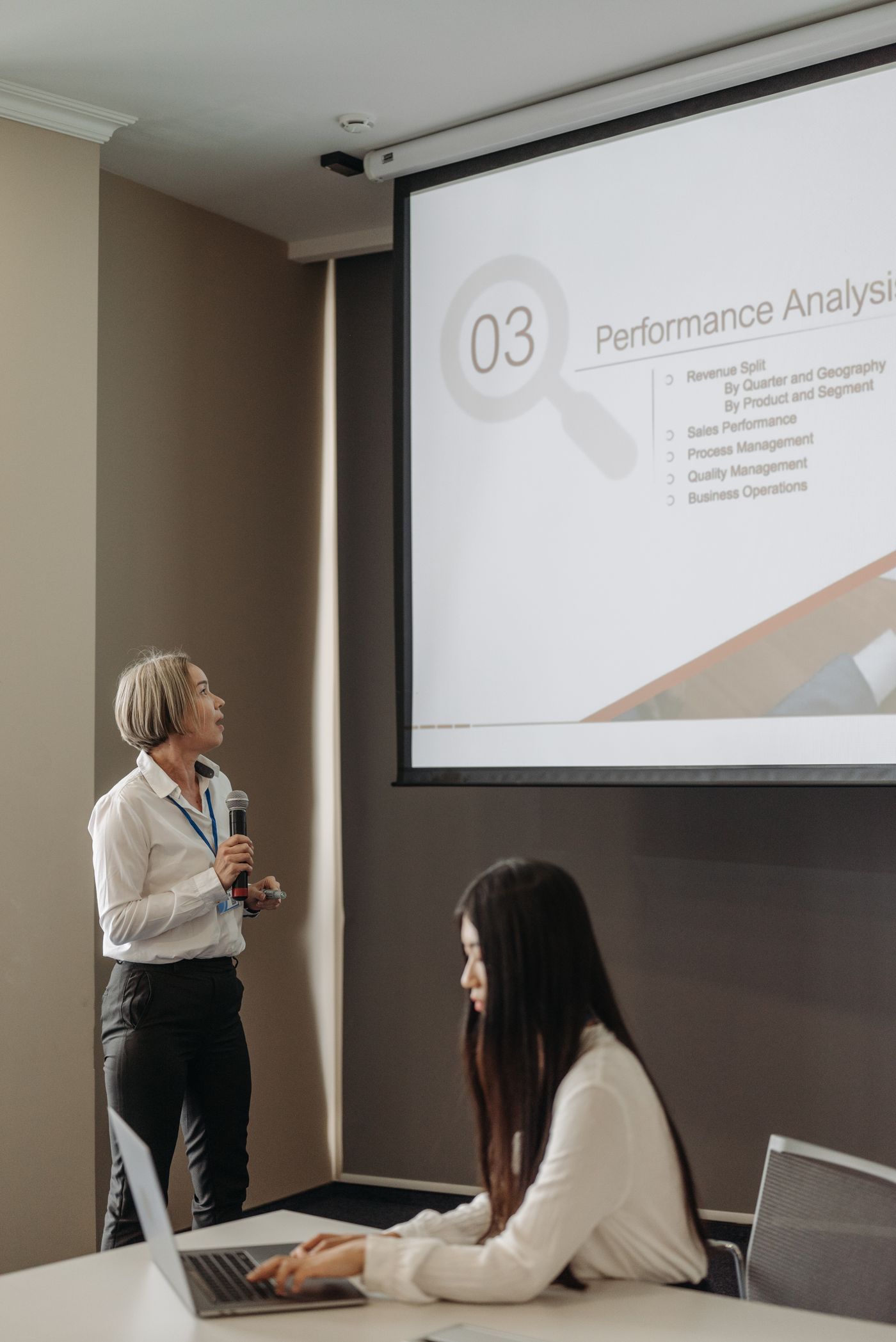
Choosing a presentation remote
Match a presenter to the display, slide software, computer permissions, and controls you can operate without looking.
 Input & meetings
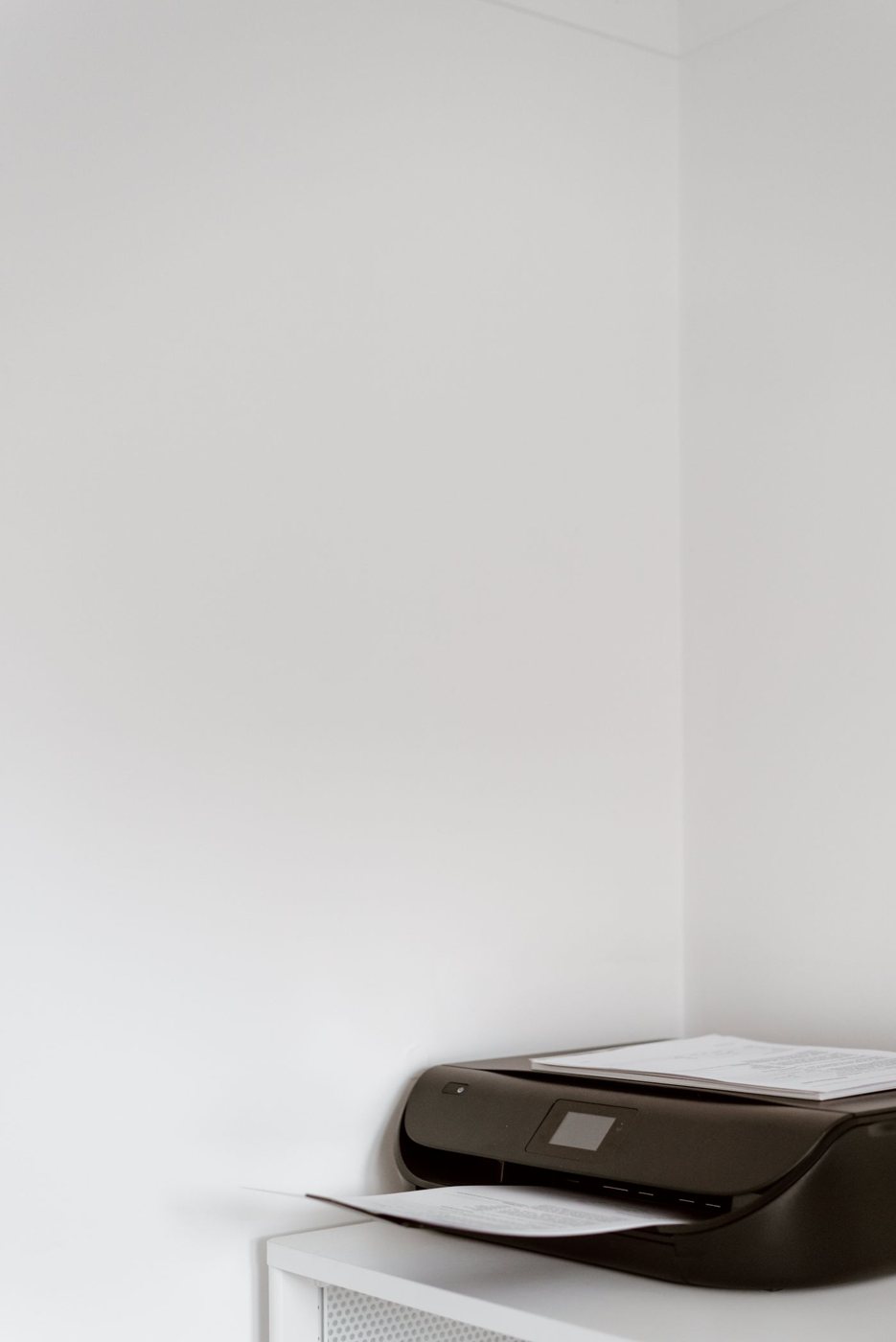
Deciding whether you need a home printer
Compare actual printing frequency, urgency, privacy, and ongoing supplies before making space for a printer.
 Input & meetings
Matching a printer type to your printing habits
Compare ink and toner systems using document type, volume, supplies, maintenance, and device features.